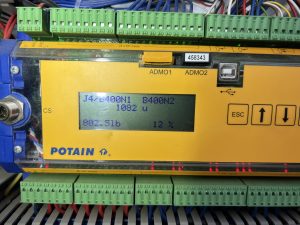
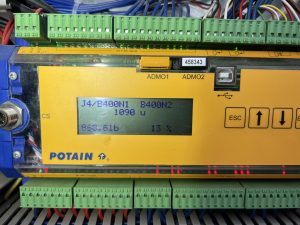
Liebherr 81k.1 Radio Remote Receiver

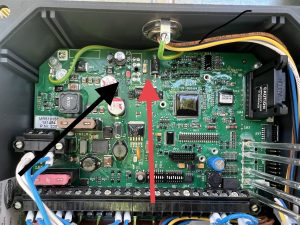
The cord for the antenna got cut and we could not get the receiver to send out a signal.  It has power but on the front of the receiver, there are LED lights.  We had power but not the second light down.  It is red until it hooks up with the remote then it goes green.  We called HBC and they had us remove the cover and check all the fuses there is a very small 1 AMP fuse shown in the picture.  It had a red led next to it which meant it was blown.  We soldered a jumper with a 5 amp fuse around it and it all worked.
It doesn’t matter what length the antenna cable is for connecting to the remote.


Liebherr 81k.1 won’t swing or trolley

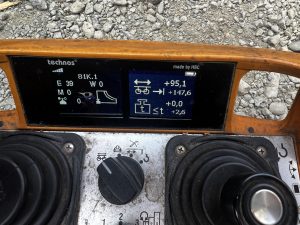
The operator called and said the crane would not swing or the trolley have him send a picture of the remote.  IT had E 39 on it.  Looked it up and found that it was in the forbidden zone.  Had to turn key for zoning in the side panel to override the zoning and drive the crane out of the zone then switch the key back to make sure the zoning was back on.

Fuel Computer Menu

Start Computer, and choose user Rod Kesler

Click on AFC icon on desktop

Login as user: afc  and password: afc

Click on Setup/Configuration to access all tabs to be edited

Once changes are made, you to send files to outside control box.  Click on Transfer Data, and Transfer All Tables to AFC

Wait for progress bar to complete, and verify changes on control outside


Multiquip generator starts and dies immediately

After cranking the first time, the Overcrank and Overspeed lights come on.  When attempting to restart, only Overcrank and Overspeed lights come on, but the generator will not crank. Opening the control panel, can flip the switch Maintenance mode and generator starts, but will not shut off.  The 15 amp mini blade fuse behind the control panel is blown.

Crane will not accept a code and date shows 1/1/00 and clock showed 00:00

Tried entering the crane code, SCM code, and technician’s code into the crane cab display, but we crane would not accept the code.  CCT and SCM were not communicating, and because the date was incorrect, the crane display would not accept any codes.

Start by switching Q131F off and then back on.  Enter the SCM replacement code into CCT, and the go to Menu 2 and then to Advanced.  Enter New Device and verify serial number and date and time.  Switch Q131F off and back on again, and start crane.

If an incorrect code(s) have been attempted in the crane computer, it will get confused and will not accept any codes.

Auto wind on Hoist on T85

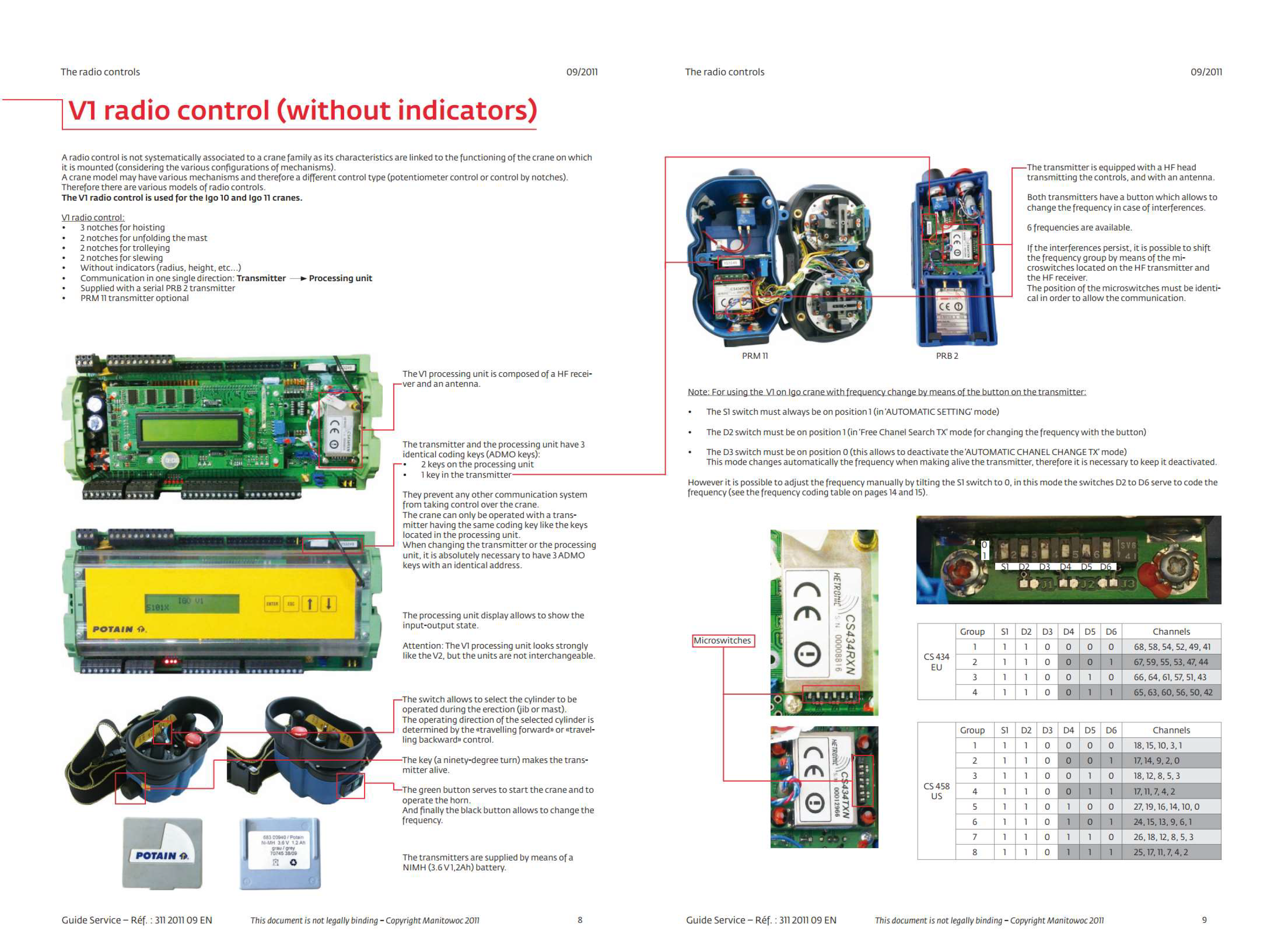
Auto wind on hoist while raising and lowering mast not working .

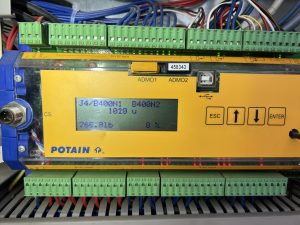
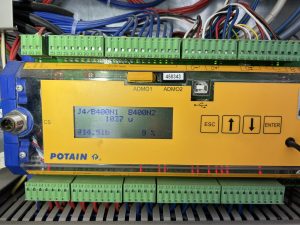
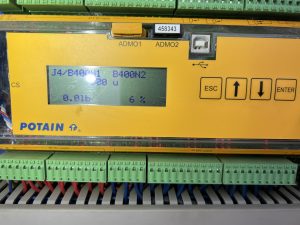
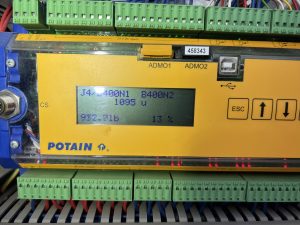
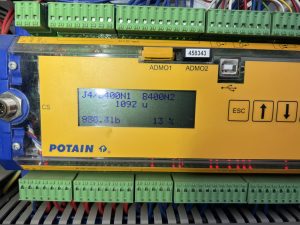
Did trouble shooting with Potain and used these screens to determine if signal was getting to processor and then to drive.
Also screen will show you how much weight on load line  while going up was consistent at around 800-1000 lbs  going down was around 0-250

We found brake disc on hoist was hanging up just enough to cause the issue.  Took apart Hoist brake and cleaned and anti seazed everything and all seems to be working now

Use videos for reference of what should be chaning on outputs when you start to raise the mast IMG_9049


IMG_9049