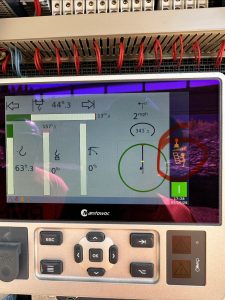
T99 Jib configuration

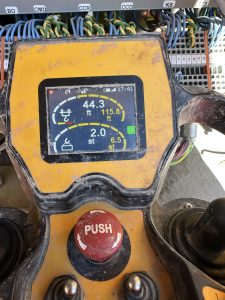
When Selecting a jib configuration you need to make sure your remote is in meters and not feet.  You will have to change this every time you choose a jib length for setup or if you go past your min radius for taking off the cab.  IF you leave it in feet it will not let you pick a jib length it will just give you dashes. Switch it to meters and then you will be able to select a jib length.then you can switch back to feet, and your back in business.
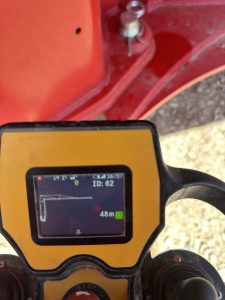
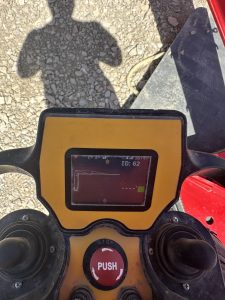
T99 Trolley moving slow

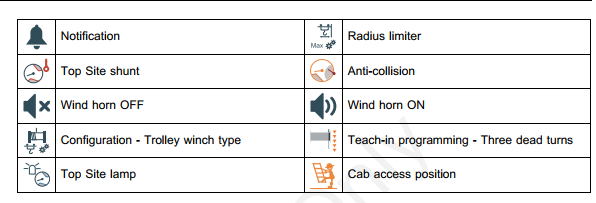
On the T99 there is a proximity switch for the inner trolley that stops the trolley at the min radius. You have to Push your 2part4 part button to trolley in all the way for example to get the cab off you have to trolley in past your proximity switch. Once you trolley in past the min radius it will throw up 2 yellow arrows on your display of the remote (sorry the Picture I have Has a yellow and red arrow but it will be two yellow unless your up to a limit.) And the trolley will only move in slow speed in normal work mode. To get Back to normal speed you have to go back and select jib length. Because once you go past your min radius it will lose jib length 


T99 mast Ladder

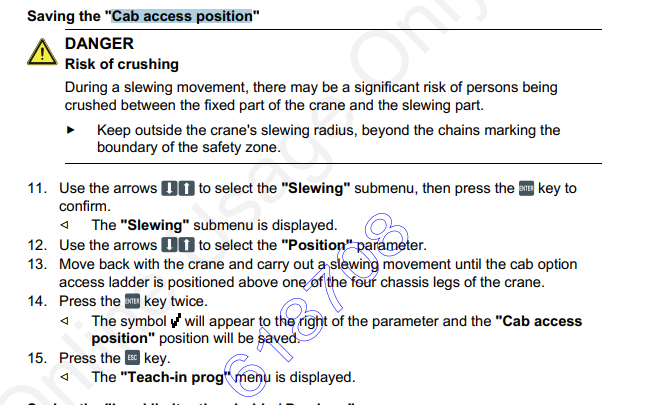
According to Cayla-So there’s certain spots to put the small ladder on the outrigger leg for the operator to access the mast ladder if was installed. So that guy is reading the angle of the crane and saying it’s in a place where the operator can climb up.

LMI screen won’t work. Says needs update

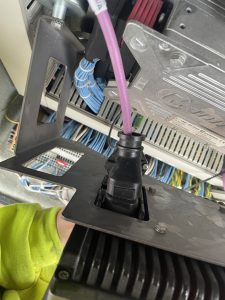
When you have the cab plugged in the LMI screens won’t work properly.  If you don’t have a cab hooked up the screen in the electrical panel at base of crane will work just fine. If you have the cab plugged in the screen at the base of the crane will say needs up date.   For the one in the cab to work correctly you need to unplug the the one at the base of the crane. The plug to unplug it is behind the screen.