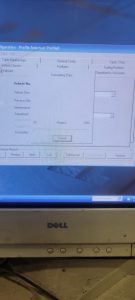
Start Computer, and choose user Rod Kesler

Click on AFC icon on desktop

Login as user: afc and password: afc
Click on Setup/Configuration to access all tabs to be edited

Once changes are made, you to send files to outside control box. Click on Transfer Data, and Transfer All Tables to AFC

Wait for progress bar to complete, and verify changes on control outside