Derating is available in Potain Connect thru the Remote Configuration menu. The submenu Crane Performance Limitation will be the menu where you make the adjustment. Toggling the button from off to on is the first step in the process. From there, a popup window will appear asking you to validate your selection. This will reduce both moment and load to 50 percent. Remotely this is the only option for derating the performance. For deactivating the limitation, it is the reverse process.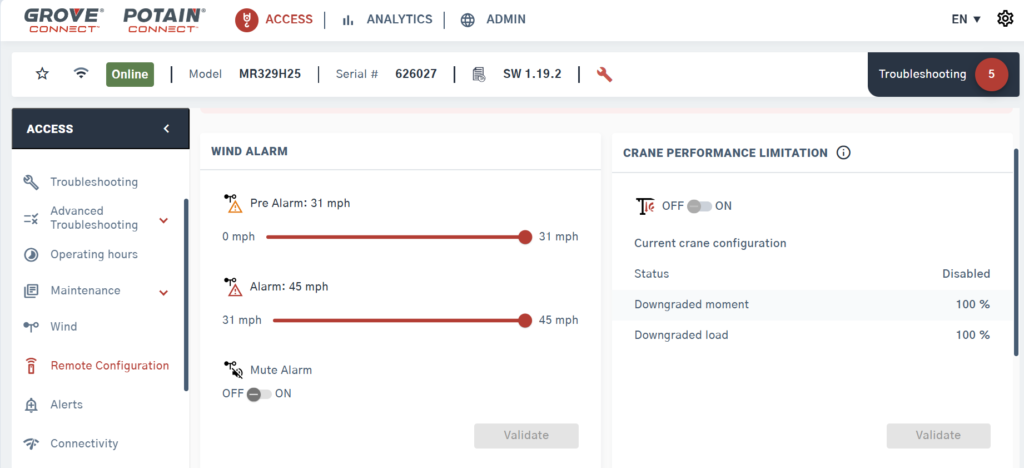
If the crane is off when you make the limitation selection, the limitation will turn on or off with a few second’s delay. If the crane is turned on, the action of activating or deactivating will not occur until the crane is turned off the next time.
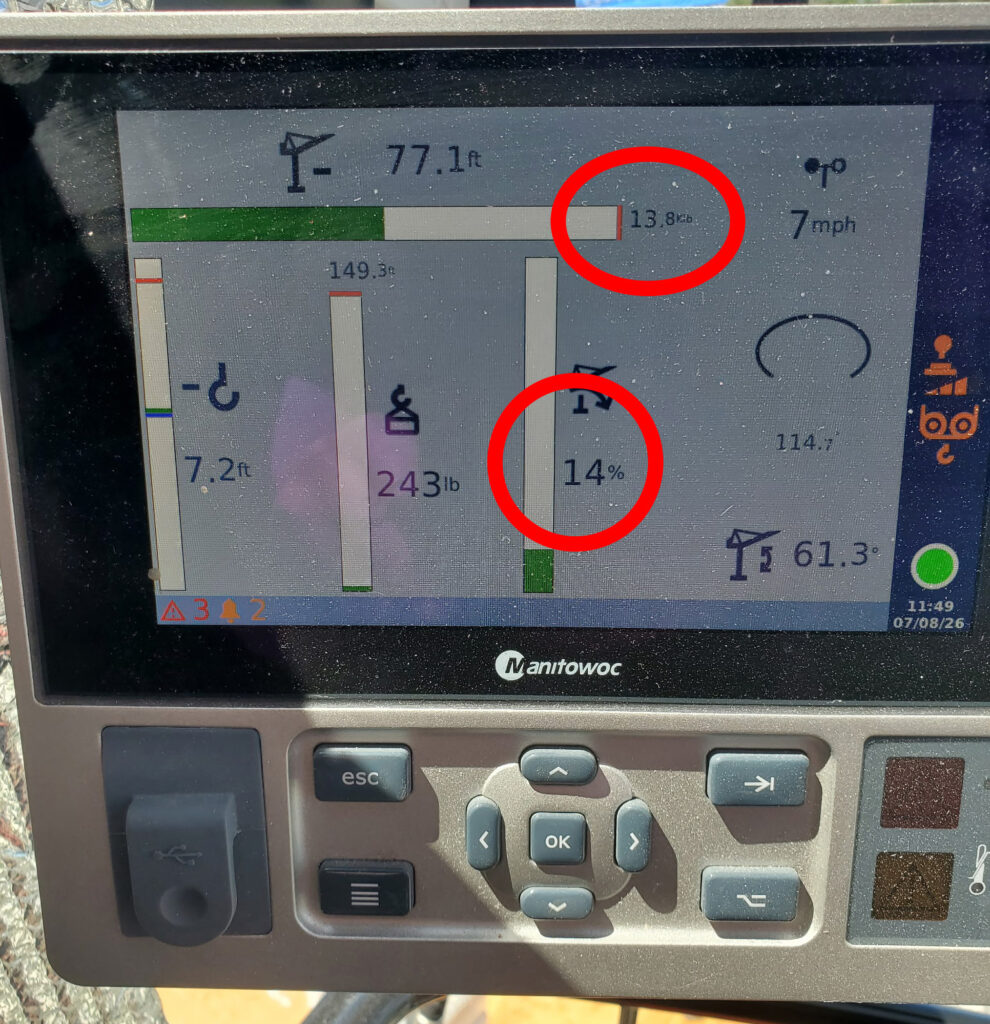
There is no pop-up window on the operators display for limitation when the limitation is done remotely. The operator will see the max pick weight decreased and moment % increase