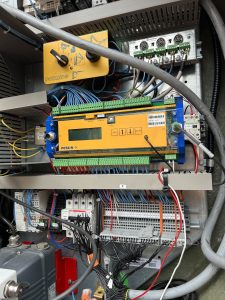
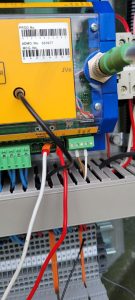
Crane won’t go to 100% moment and load. Can’t change it from 99% to 100% on the display for your maximum moment and load. Need to go to the CCT U246X and put in your tech code then go change the moment and load to 100% then you can go change it on the display in teach in and crane configuration. To access it on The CCT
5. CODE (put in your tech password) then
2. CONFIGURATION
2.4 MOUNTING
24.6 DERATING 246. Load 100%
246.Moment100%
24.7 POWER CONTROL 247. 100%
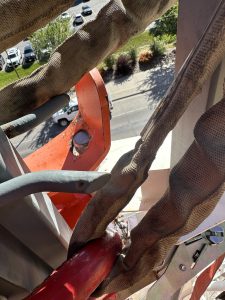 Need to make sure you pull down on the cable that is attached to the jib release pin while folding up jib. It can get stuck and not slide properly and will bend plate. Which won’t latch properly.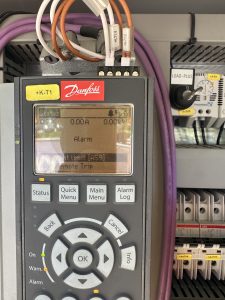
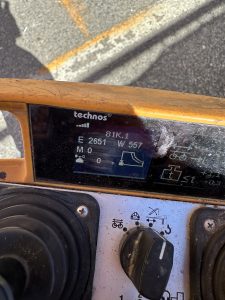 When trying to fold the jib out it would stop and throw an error on the remote E 2651. Which means Torque limit motor reached. When using the motor it was putting out 11 to 15 amps before kicking out. A good motor at full speed puts out 5to 8 amps while working properly. You can find your amp pull right on the drive +k-T1. Replaced aux motor and was drawing 7 amps