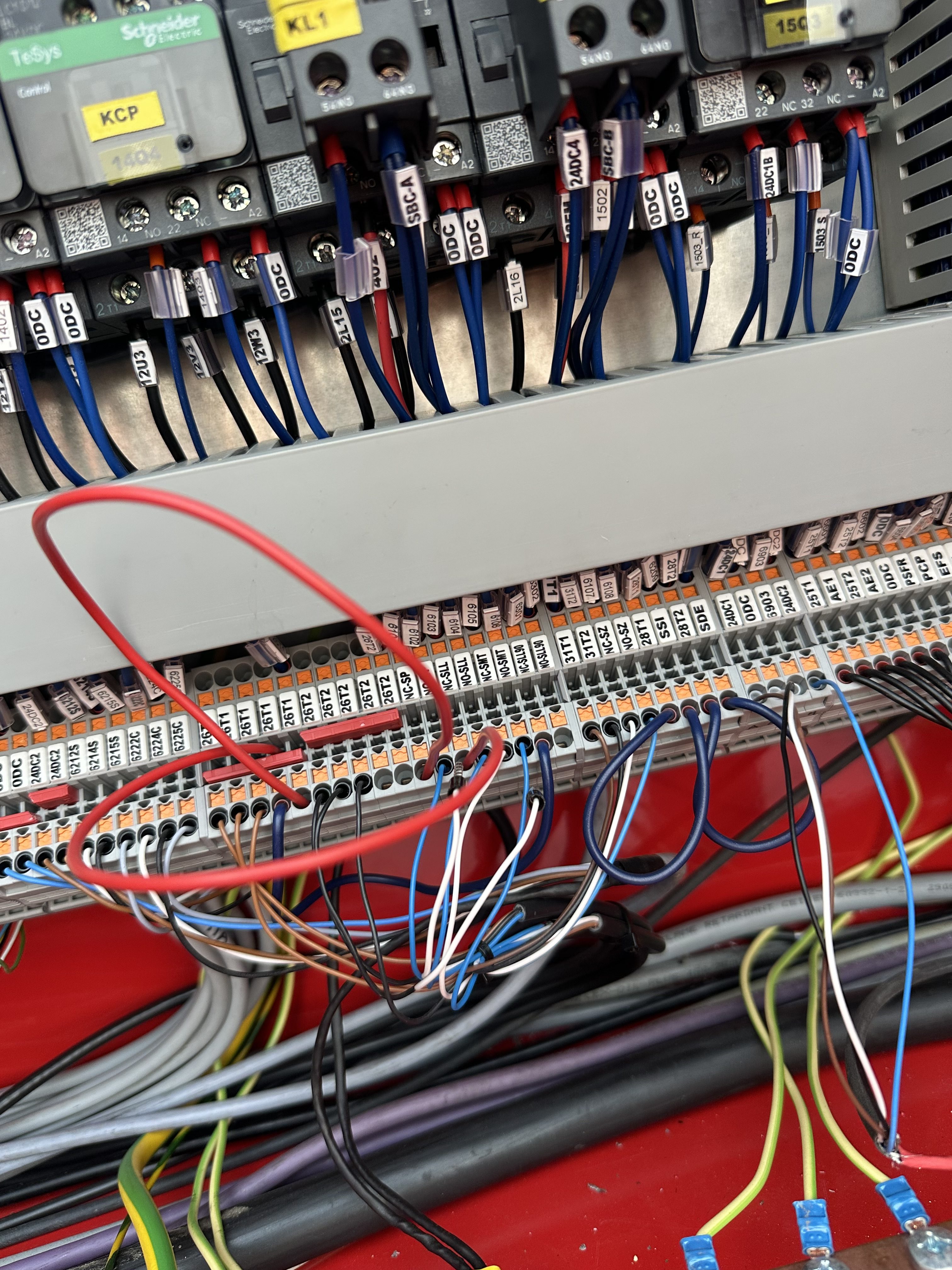
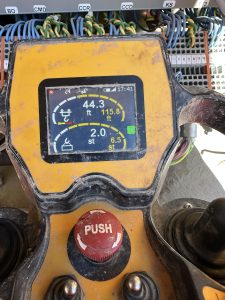
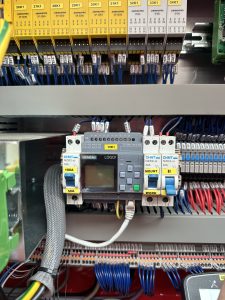
Bringing the crane down in maintenance mode for checking the trolley or replacing hoist rope. It is not in the manual to do this. You need to push the escape and the down arrow on the LOGO to bypass all sensors then you will need to jumper the banana bar in the back.
How to move trolley in mounting
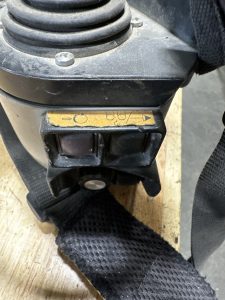
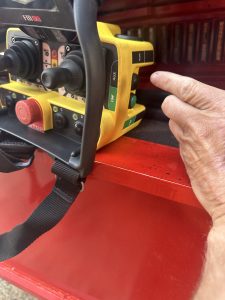
When in mounting to move trolley you need to push the auxiliary button on the side of the remote wait for the Hydraulic pump to stop and then you have functions of trolley in. In order to get trolley out you have to by pass all the sensors on the LOGO by holding down the down arrow button and the esc button.
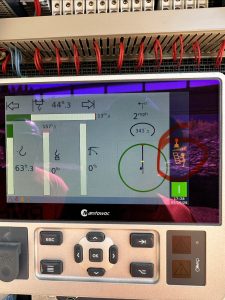
LMI screen won’t work. Says needs update
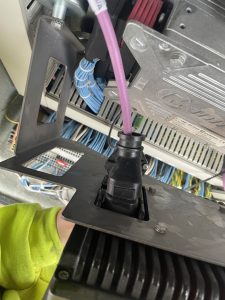
When you have the cab plugged in the LMI screens won’t work properly. If you don’t have a cab hooked up the screen in the electrical panel at base of crane will work just fine. If you have the cab plugged in the screen at the base of the crane will say needs up date. For the one in the cab to work correctly you need to unplug the the one at the base of the crane. The plug to unplug it is behind the screen.
Crane code for teach-in
51,52When teach-in T99 crane its limits you have to put your tech code into the remote. If you try to use the cranes password that screen will stay locked. You can use crane code to dismantle and erection.
T85A in Dismantle wouldn’t hoist K944A
Hoist Drive was saying it was RDY but had no functions on hoist. Erection aid was saying >30 dregrees and not =to 0 degrees went into the wire schematics and found out that K944A needs to be activated to get =0 degrees K944A was getting voltage but coil was to weak to pull in. Activated K944A and erection aid was now reading =0 degrees
Frequency Drive
The new hoist frequency drives have only three speeds.
- 1st speed 12.12
- 2nd speed 35.09
- 3rd speed 85.00
The Manitowoc hoist drive have five speeds.
- 1st speed 12.12
- 2nd speed 35.09
- 3rd low speed 85.00
- 3rd middle speed
- 3rd high speed 125.00preset speeds
Override button
Every HDT 80 with a serial number that starts with a 400 number has a override option. If you overload your crane and you can’t hoist up or down because you overloaded the crane hold the start button down while hoisting down.
HDT 80 hoist line for erection and dismantle
HDT 80 When erecting or dismantle make sure you have slack in your hoist line while folding the jib. It does not have auto winding on the hoist drum so it can get supper tight and there is no limits to stop it. click on the link to see in the manual where you need to make sure you have slack in your cable. It is best to have about 10 ft of slack in your cable.
HDT 80 limit switches
While erection and dismantle there is no limit switches that will stop you. Also there is no 125 limit for your hoist so you do not want to get your hoist rope tight at all or you will be bending and breaking stuff.
Top Site & Pairing New slewing encoders on HUP
When setting up top site on a hup or pairing new slewing encoders there is a few more steps that you need to take that doesn’t explain in the manual. I have added some key notes in the top site chapter in the manual to get the job done. top site manual