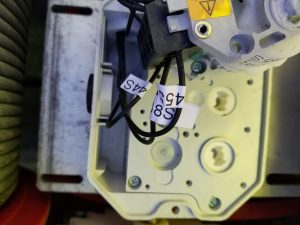
Proper identification of height sensor on telescoping drum
H1 Full working height
H0 Lower working height
HT Lowered for transport
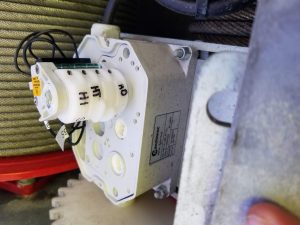
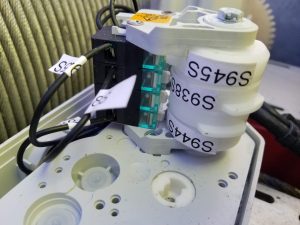
Proper identification of height sensor on telescoping drum
H1 Full working height
H0 Lower working height
HT Lowered for transport
Dusty,
Full hoist rope length including rope to rig the jib and maintain 3 wraps is approximately 310-320m. At 30m of HUH, the crane would need approx 220m of rope in total to work in 4 part. You might, therefore, remove about 100m of rope if you discover that the rope is not reeving properly at the lesser operating mast and HUH height.
The crane probably thinks it is luffed. Check the erection aid menu, and adjust the 2 sensors at the top of the mast (cat head) as needed.
Installed a new memory stick in the swing drive on Igo T85A. Had to go to menu 74 and then to 11 to set the Supply Voltage to get started.
Then had to restart the drive and it went through a motor ID and run ID test. Once complete, had to restart the drive again and it worked fine. The drive said it was ready to work, but was unresponsive. Make sure to restart again.
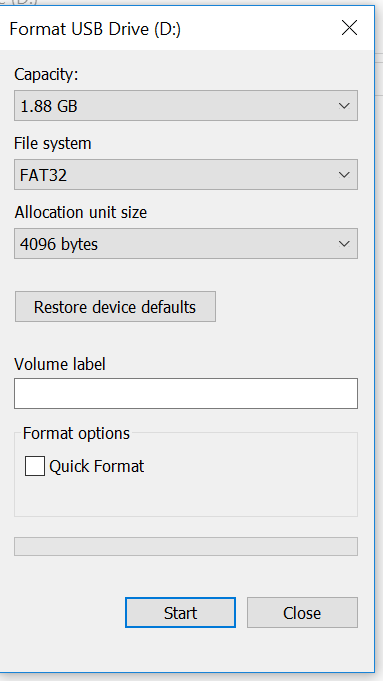
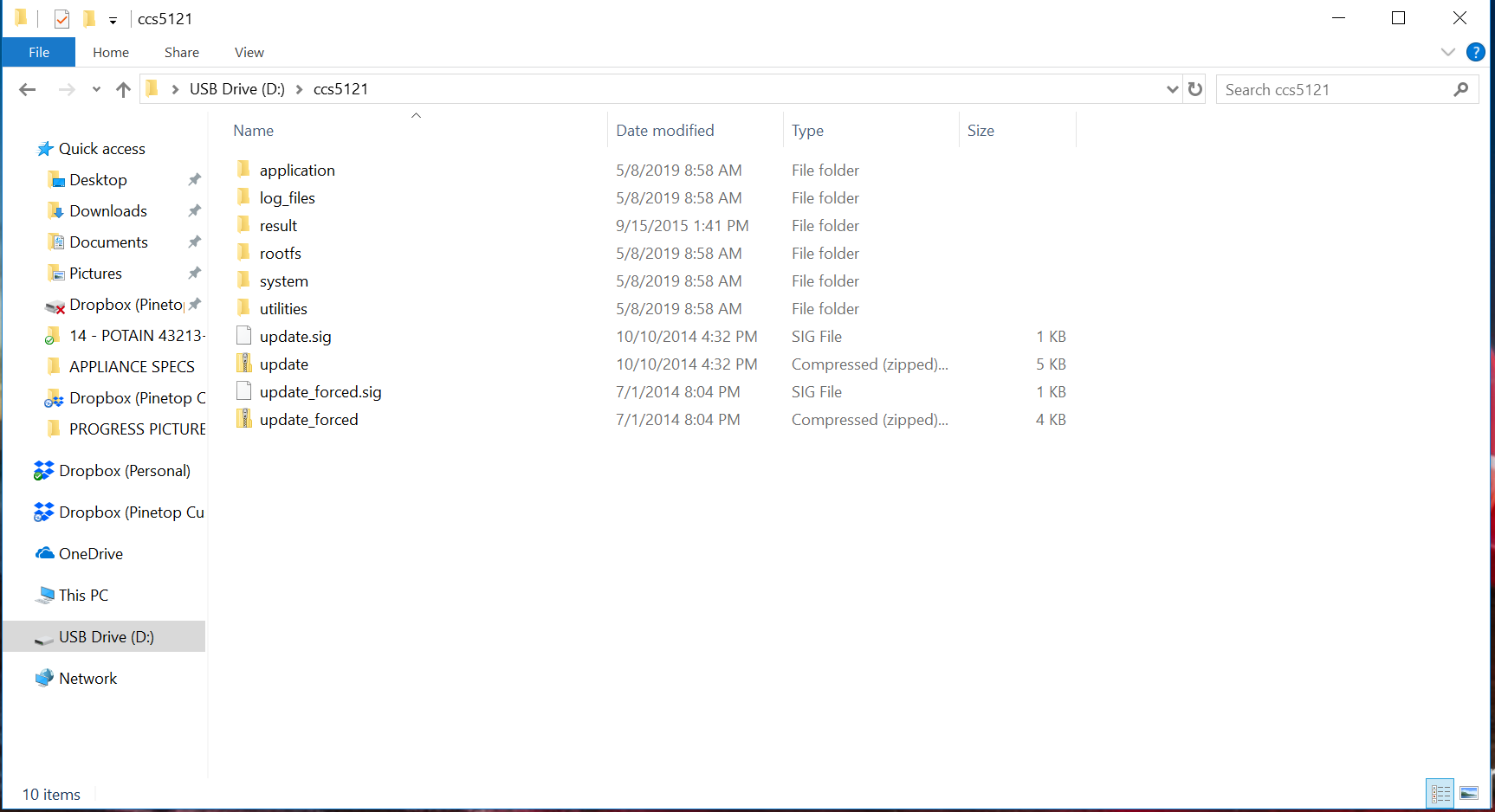
Login into Manitowoc Direct, E-Tech, Dealer Softs- Tools, Soft-Programme and Download the appropriate ccs version for your crane.
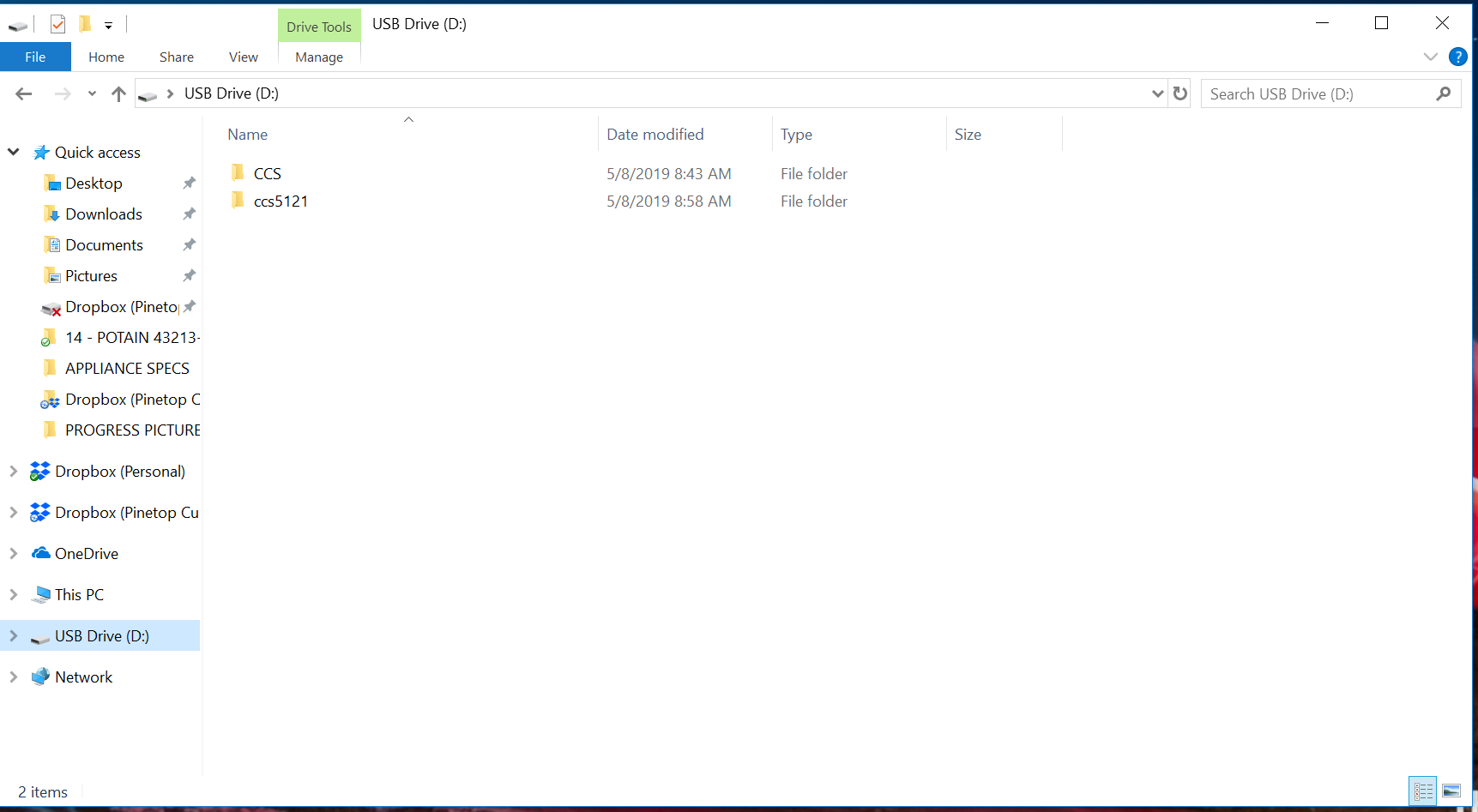
In the CCS Folder add an
auth.txt file Text Doc. with your CCS password (case sensitive)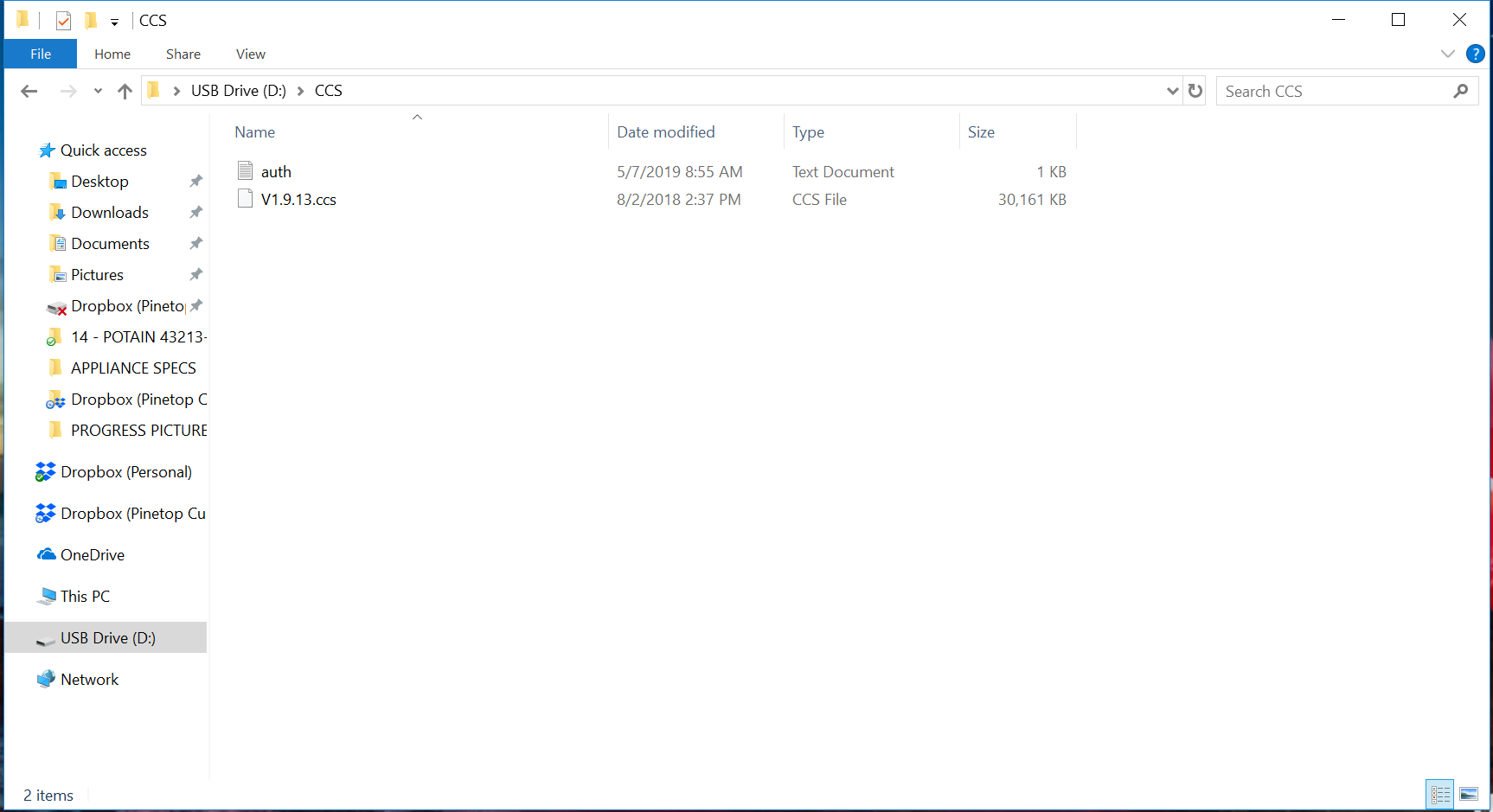
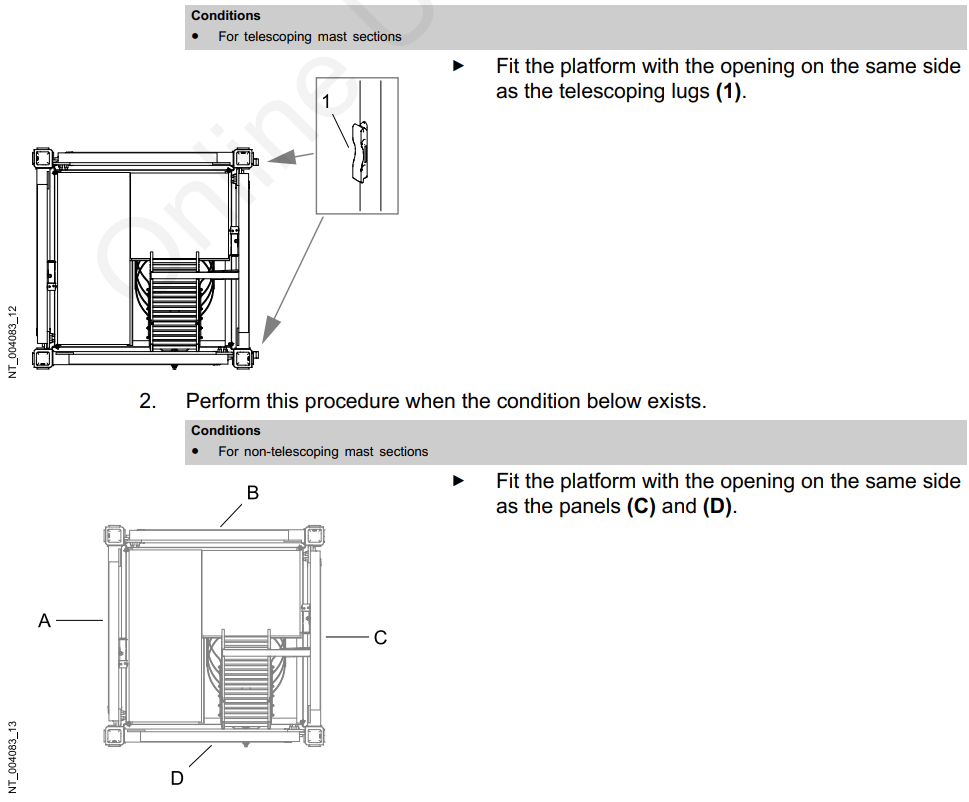

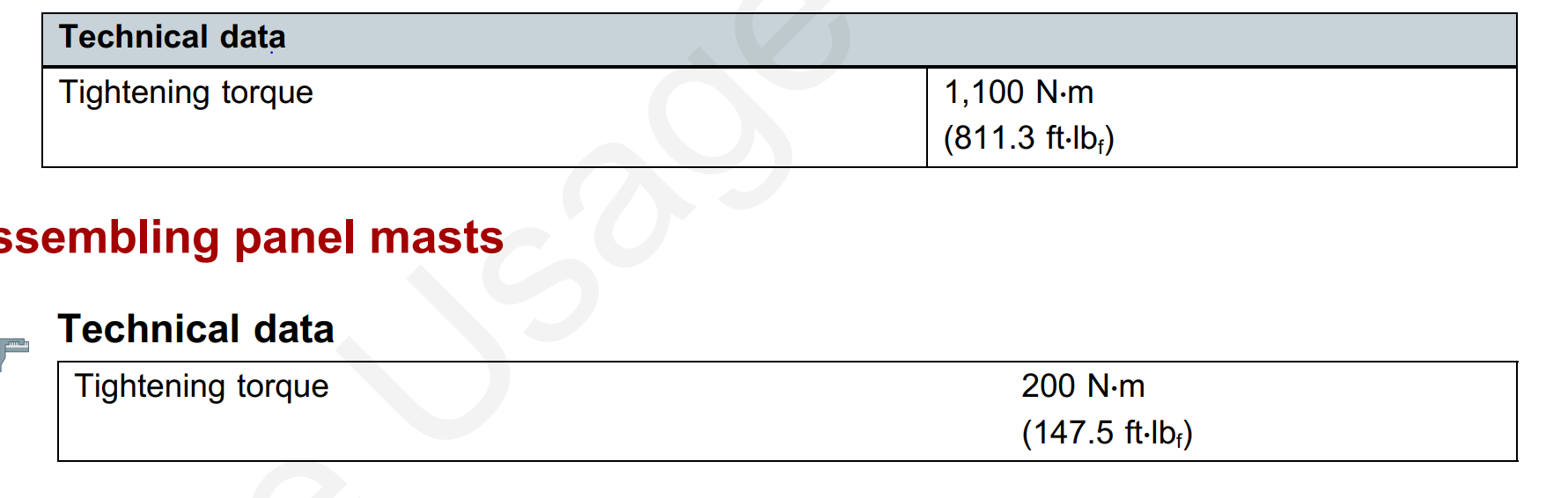

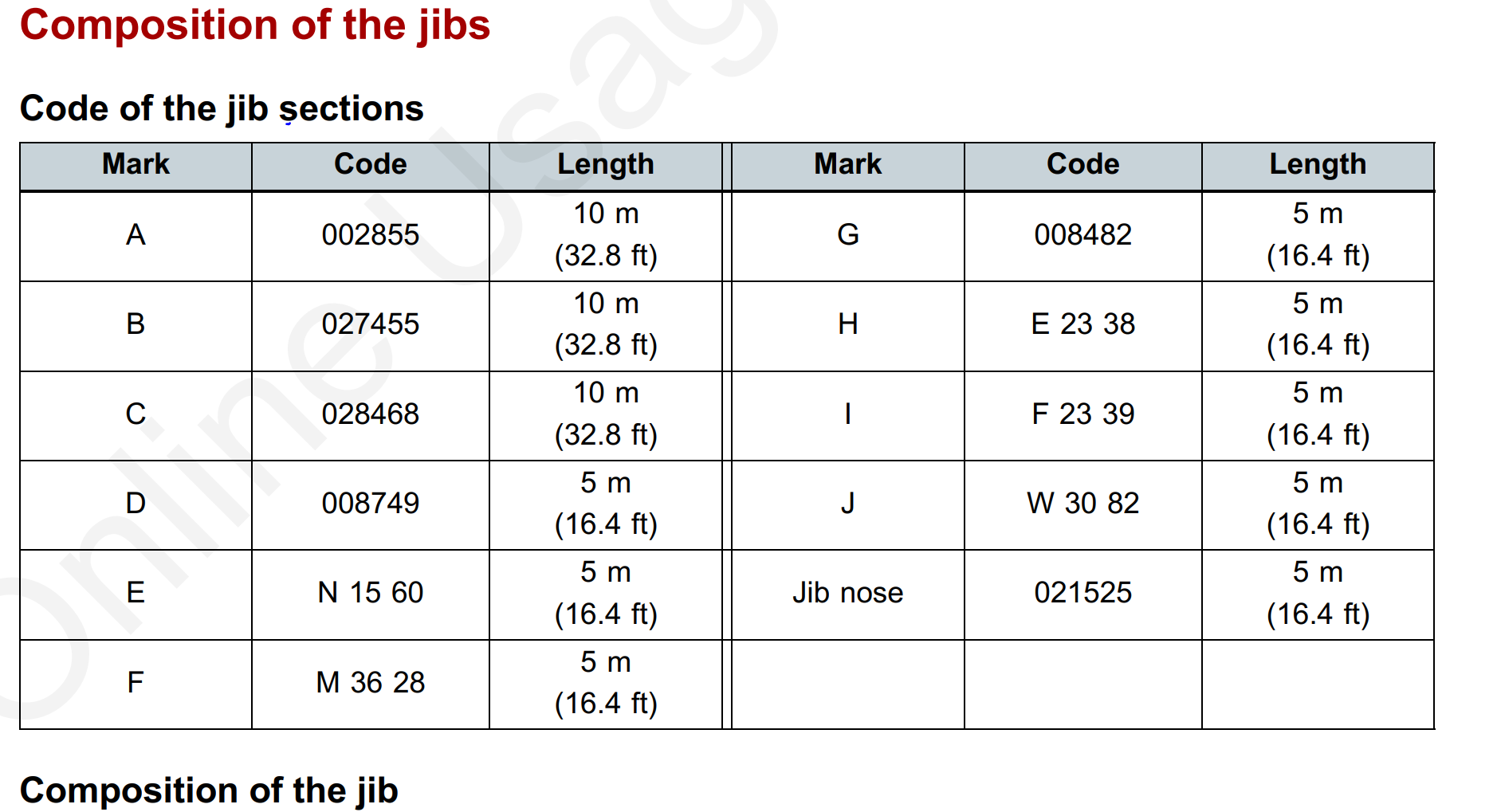
Use this to put jib parts together with their fucked up names from Potain
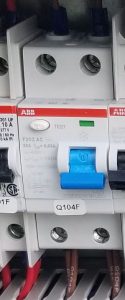
Customer complained that the AC power in the cab was not working. When asked, the customer still had lighting, but the AC plug ins were not working. Found that the circuit breaker Q104F was tripped.
**note** when circuit breaker was tripped the indicator was green. When it is working, the indicator is red
Crane stopped working one morning when the operator doing warm up. Start the crane up and all the drives fire up but trolley immediately goes to FST.
We plugged in the handheld and crane works fine.
Got this from Tomas and he said you should try this if the crane is acting funny and you can’t get figure what it is.
Dusty,
Try this.
Hello Tomas,
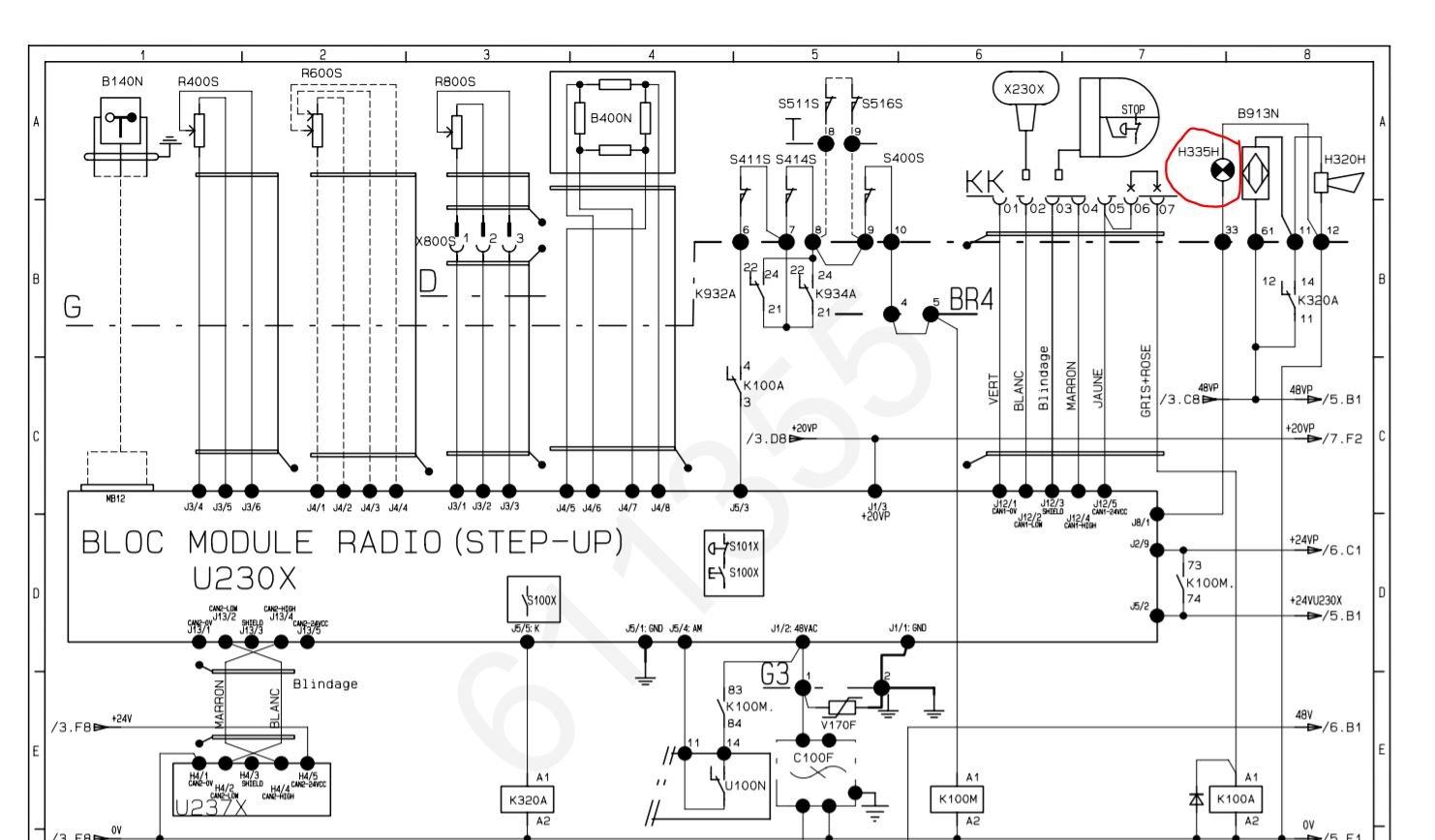
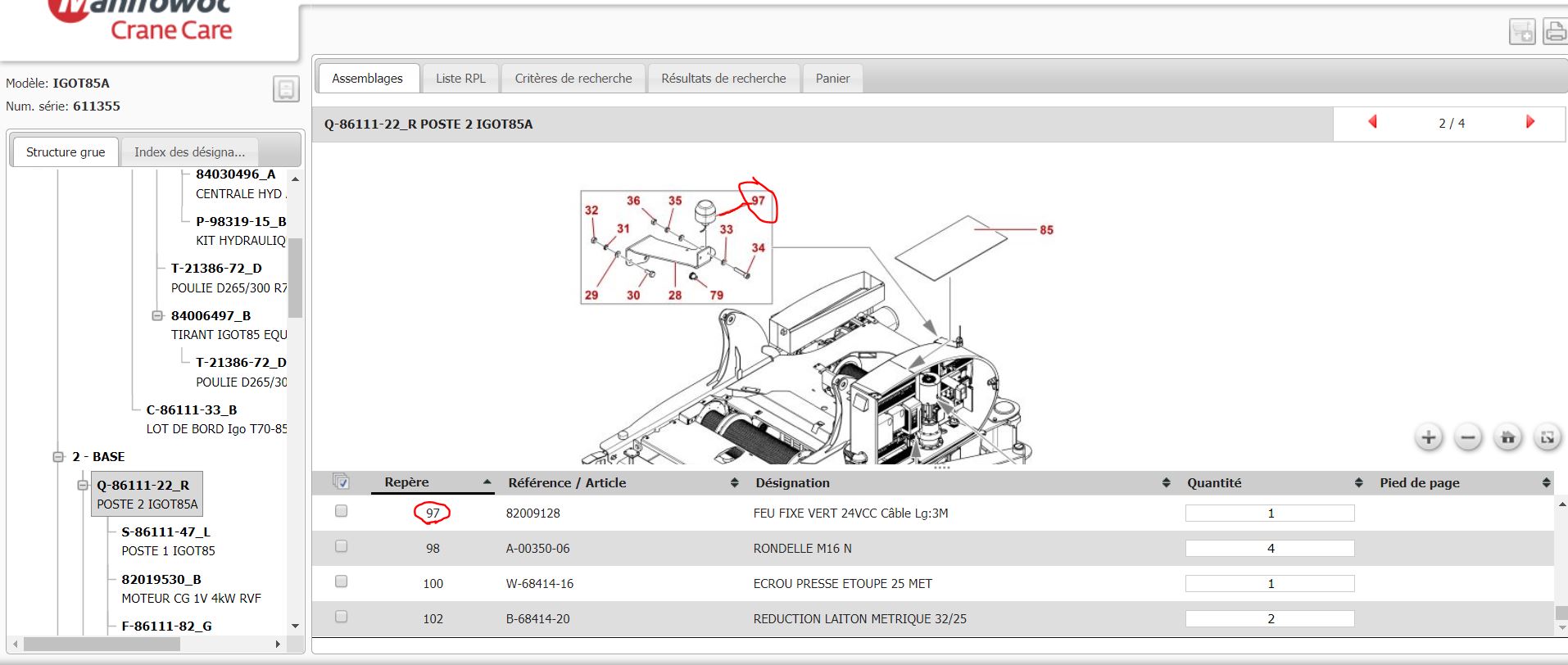
We think you have an issue with H335H (green light). This light is connecting on Terminal G-33 (only with remote control ).
Try to disconnect it and work with remote control. Please find in attachment the light part number.
Best regards