Crane shuts off, but immediately restarts

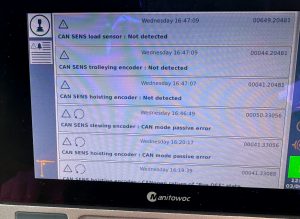
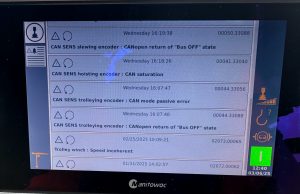
Crane would shut off intermittently.  Red circle would display in the bottom right, but turn back to green circle right away.  There were no active faults, but fault history showed  Emergency stop chain : Incoherent state.

The emergency stop switch has NO and NC contacts.  The fault means 1 set of contacts are acted on, but the other contacts are in “normal” state.  (For example NC contacts are closed, but NO contacts are also closed).

The only e-stop that will register this fault would be the one on the armrest (per JP).  Could be the e-stop or the joystick itself.  The joysticks are the same, so swap to test.

Hup will not hoist SAFF on drive

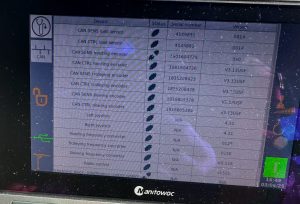
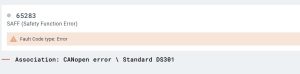
Operator lowered the block down, and then the hoist drive stopped.  Could swing and trolley, but no hoist or lower function.  Drive displayed SAFF.  This fault is not in the Hup manual.  The fault code app shows the following.

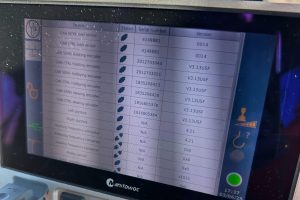
Had the operator verify that the CanOpen card was installed all the way.  Had the operator switch ports on the CanOpen card, and the crane began working.  Went to the crane and replaced the CanOpen card, and verified both ports are working


E68 Error on CCS and KEB Drive

Hoist suddenly stops, and often will not restart until several attempts later.  E68 code is displayed on CCS messages.  It means that the KEB hoist drive releases the brake, and looks for the microswitch contact within 600ms (.6 seconds).  If it does not, it will fault.  Follow the steps below.

E68

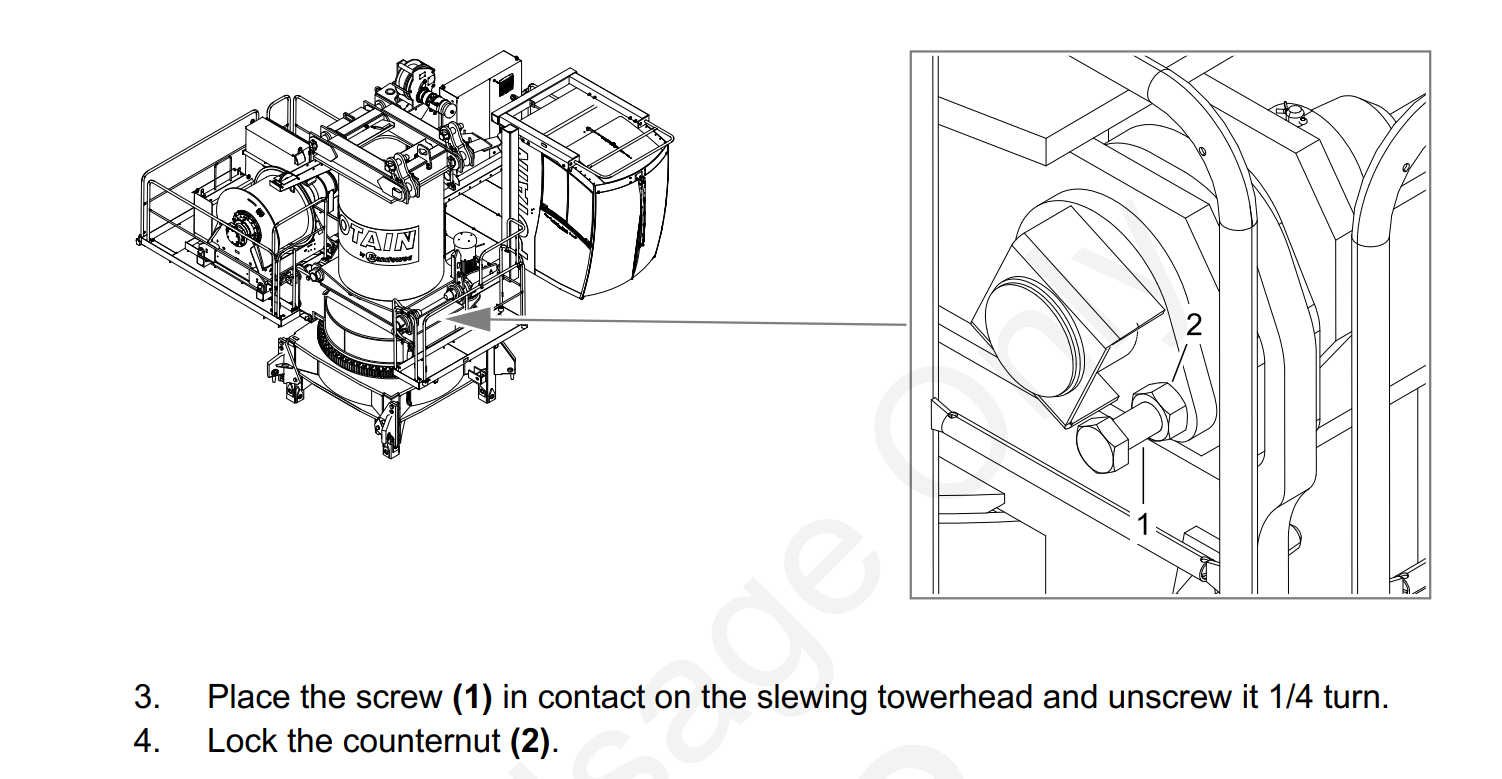
Hoist Brake Microswitch Adjustment

Also with this situation, the operator claimed the load would drop slightly.  Was able to verify during startup, K405A (validated drive contactor) would close and K409M would energize allowing the brake to release, then the drive would shut down.  Could recreate and U400X #29 was supplying +24VDC at startup to energize K409M.  This comes directly from the drive, replace hoist frequency drive

Crane Starts but will not Swing

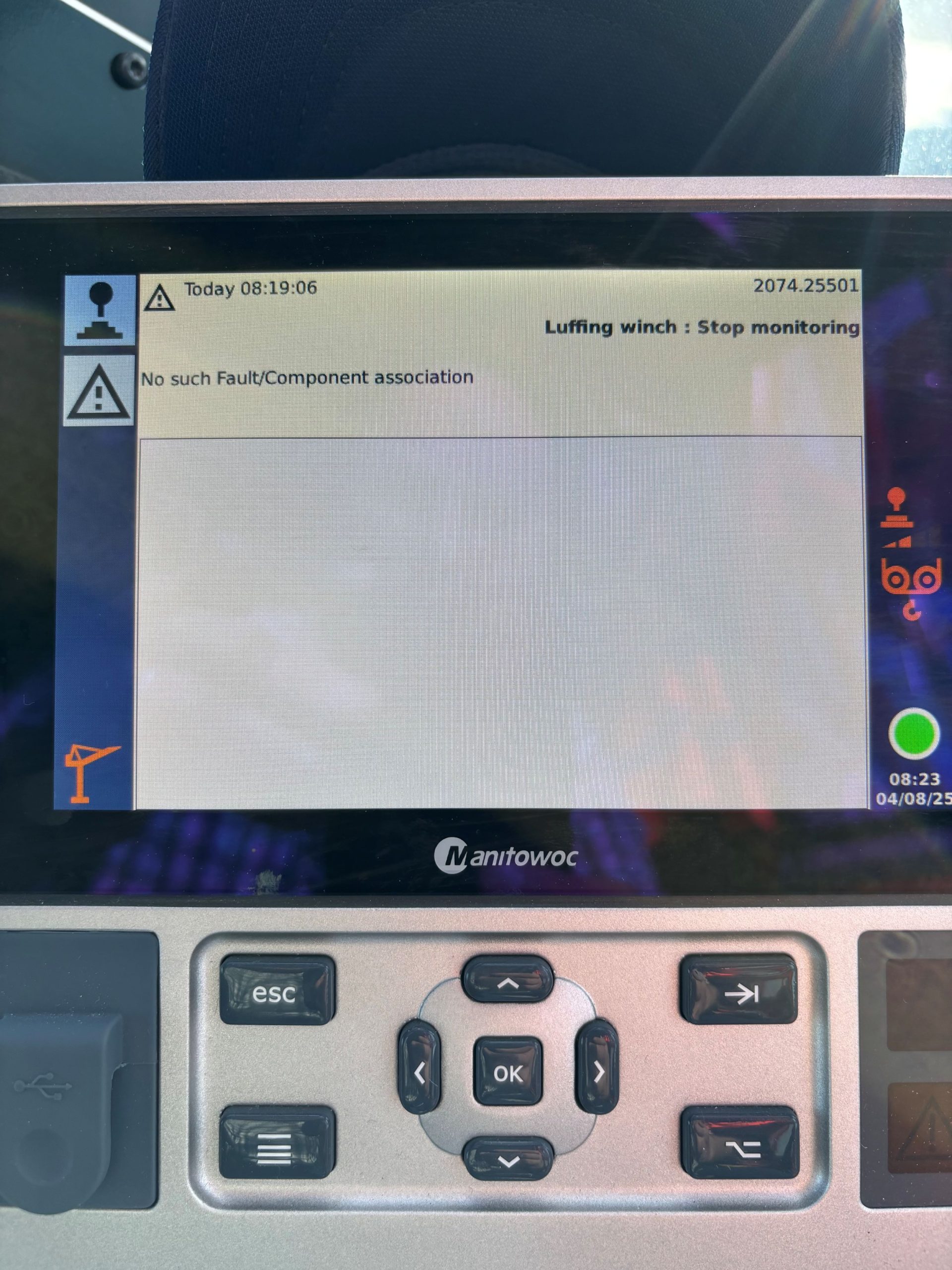
Crane starts, but will not swing.  the Green Square is flashing on bottom right of LMI.  Swing drive has 3 fault codes, AFE1 AFE2 and FBA A Missing.

For AFE! and AFE2 see link.

https://service.rockymtncranes.com/2022/09/07/afe1-and-or-afeb-faults-on-start-up/

Replace the memory stick, and had to force the K600M to stay active for complete download of the memory stick to the drive, and then restart crane.  Crane swings and weathervanes properly.

Torch is hitting the plate and not spacing correctly

When cutting something out on the plaz the torch will start cutting and drop it’s tip into the metal plate.  Which you will then have a fault and will have to reset. If your settings are correct on your programming the tip of the torch there is something wrong with it and needs to be replaced.

Potain IGO T85 Hydraulic Motor not working

Was trying to tower up and let Jib retaining rope out. Toggle on my remote was to the right on mast.  Hydraulic motor would not come on and wasn’t able to let out the Jib retaining rope.  Breaker Q940M was not tripped.  Looked at my Erection aid and where S916S & S918S was just —- Which it should have been reading S916S. Switches were good, checked B911N (Inductive control detector of retaining winch) will also put —- if it’s not reading correctly. Had 48V at G27.  K916A was not Acted on. Had 48V at K916A.  Wiggled contactor and orange plunger on K916A was Acted on. Erection Aid was reading S916S.  Hydraulic motor and Jib retaining rope started working.   Need to probably replace K916A

Hoist motor operates slow MDT 389 (Degraded Mode)

Operator gave hoist up command, Brake release felt sudden and hard, Followed by a very slow hoisting up or down. Some cases the crane would kick the operator out shortly after the hoist function was given. When the crane faulted E.65 was displayed on the KEB hoist drive.

New Encoder was ordered

Hoist drive was placed in to Degraded Mode

Replaced hoist Encoder,

Took hoist drive out of degraded mode and normal operation resumed.

219 stuck on 99% moment

Crane won’t go to 100% moment and load.  Can’t change it from 99% to 100% on the display for your maximum moment and load.  Need to go to the CCT U246X and put in your tech code then go change the moment and load to 100% then you can go change it on the display in teach in and crane configuration. To access it on The CCT

5. CODE (put in your tech password) then

2. CONFIGURATION

2.4 MOUNTING

24.6 DERATING      246. Load 100%

246.Moment100%

24.7 POWER CONTROL     247. 100%