Message E1514 indicates faulty display, however it could be that the CANbus system is open, and the display is the first component. Check the “T” which should be moved to the load pin . In this case the pins were bent on the Anemometer, and needed replaced.
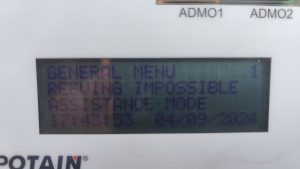
Reeving Impossible / Assistance Mode on Processor display
Processor shows the following
Remote shows the following
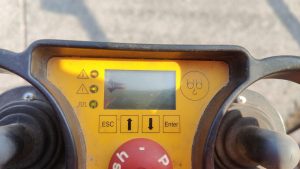
Crane may think it is in “High Height” (H3) and 4 parts of line are selected (DM). In H3 (High Height) crane must be operated in 2 parts of line (SM), not enough line on hoist drum.
Make sure S917S is adjusted properly. It is the limit box on the end of the jib retaining motor.
If the switch is adjusted properly, and not activated (Normally Closed NC), check Fault Stack (3-4-1)
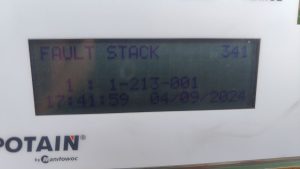
Most recent fault is that the CanOpen Module is not detected. Verify by checking Can Module Inputs on processor (3-9-1)
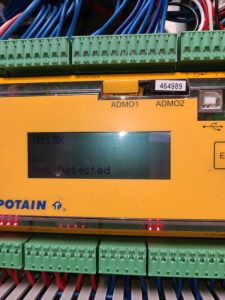
Check for RUN light on Can Module (U213X)
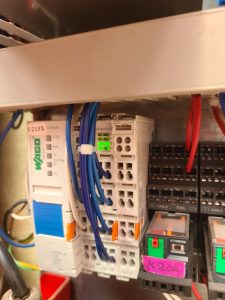
If the RUN light is not on check T131F (the +24VDC transformer) for power. If the DC OK light is not on, the transformer is not working.
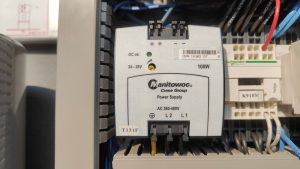
Check Circuit Breaker Q133F to make sure transformer is being supplied 480 VAC. If breaker is tripped and cannot be reset, replace transformer.
If RUN light on, but flashing, it is not communicating with the processor. It will still show U213X as not detected. Disconnect H4, H5, H6 connectors on Can Hub (U237X)
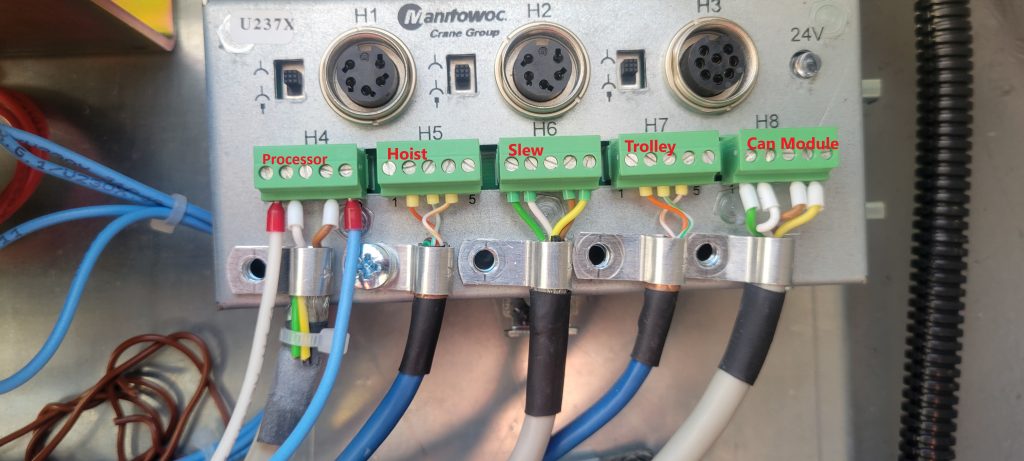
These are the communication cables for the labeled drives and operate on the same CAN2 network. If the H3 disappears (may need to restart crane), plug each cable back in to determine which one (or more) may be the problem. The cable(s) may not be the only problem. It quit possibly could be the drive(s) as well.
Hup crane wont fold to weathervane
After service and teach-in of a Hup 32-27 The jib was required to be folded for weathervane. Went through the book to confirm the steps were completed in order and done correctly.
The crane would fold the jib tip but not the complete jib. A red x would appear when weathervane target was selected.
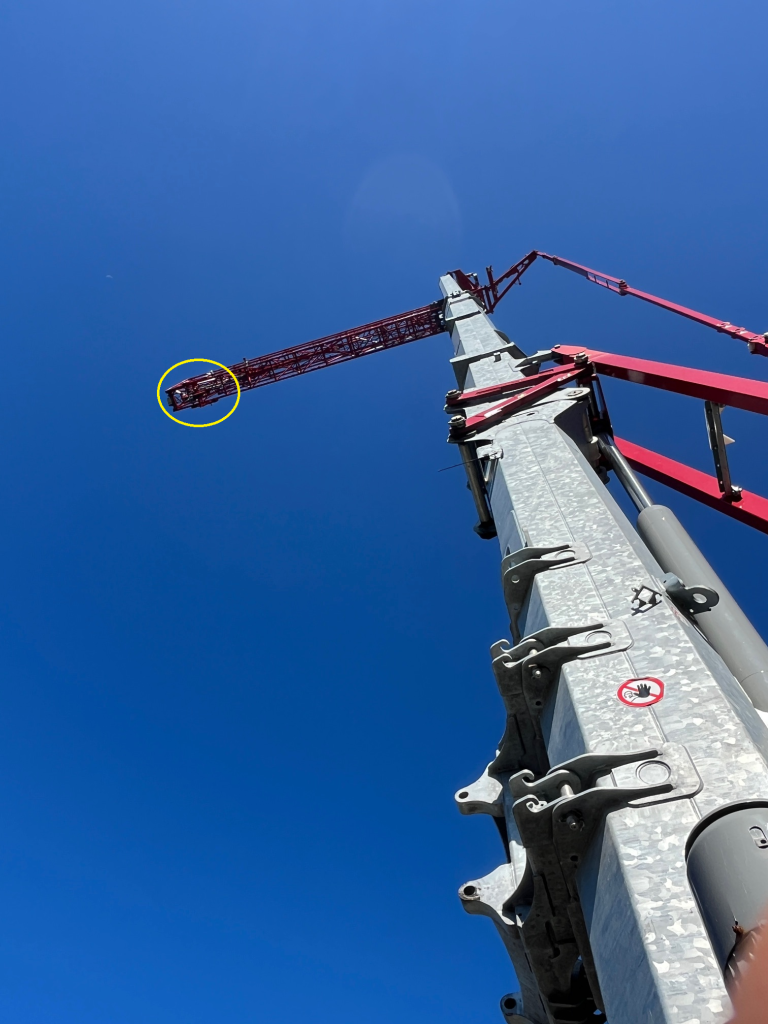
The image for the Trolley position if glanced at quickly is difficult to decern the correct trolley placement. 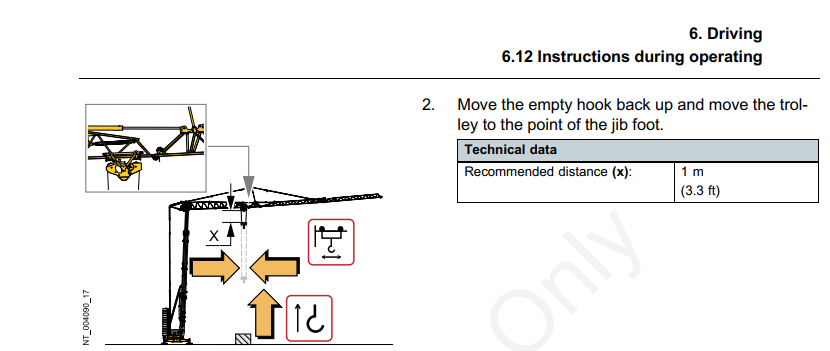 Note: The trolley must not be in the transport position.
Trolley in, until the trolley is completely inside the first jib section. This will allow the jib to fold for weathervane.
AC not working in cab
Here is the condensed version of the expanded troubleshooting tree.
Issue
AC/Heat unit not working
Cause
The AC unit not working can be caused by multiple problems, follow the procedures in the resolution notes to find out what is wrong with the unit, or if it need replaced
Resolution
- Check the circuit breakers that control the AC and heat units
2. Check phase detector inside AC unit to be sure it has 2 lights
3. Replace AC controller to the left of seat
4. Check to see if the Condenser fan on the back of the cab runs when AC is selected, if not, check the fuses
5. Try using the “Defrost” setting and see if the AC turns on
6. Access AC unit and check to see if all the sensors are connected and working properly
7. If you cannot figure out why the AC unit is not running, order a new unit and replace it
TA23-450-C – Troubleshooting flow chart for the ultraview cab air conditioning system_EN
Checking hours of operation on Liebherr 81K.1
Open the side door to access the crane display

Turn the switch that looks like an open book to the right.
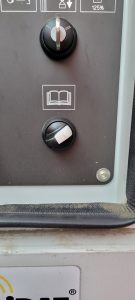
This should be the display
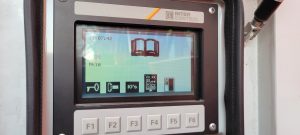
Press the F1 button, and the following should be displayed
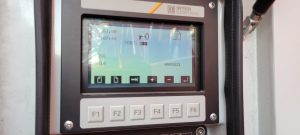
Press the F2 button
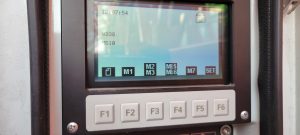
Press the F4 button and crane hours are displayed
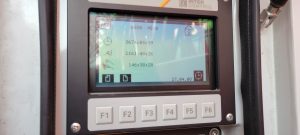
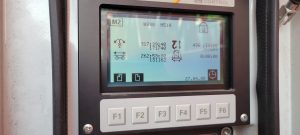
Press F2 again and hours for each motion are displayed
Adjusting Weathervane Cable and Yoke
**This is extremely difficult with crane folded up, should be done with crane erected**
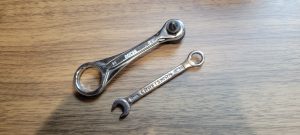
You will need very skinny 8mm end wrench and mini bit ratchet.
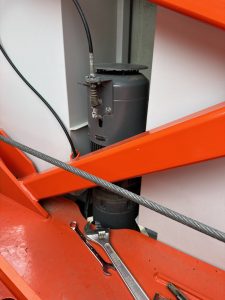
Remove cable clip, weathervane arm (careful to keep the washers) and motor cover (4 phillips or hex head screws)
Raise rubber seal to brake coil
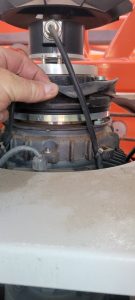
Tighten the 2 screws on the bottom of the yoke to remove excess freeplay. DO NOT REMOVE ALL FREEPLAY
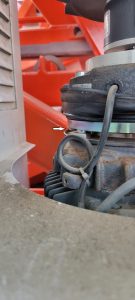
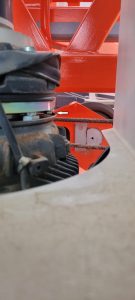
Reinstall rubber seal in place. Before reinstalling motor cover, loosen the 3 bolts on the weathervane cable bracket.
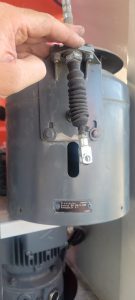
The cable and bracket will need readjusted.
T85 Didn’t have any functions after erection
Crane was fully erected had jib retaining pin engaged and button pushed to validate crane. Switched it to C4 no functions switched it back to C3 got functions back. In erection aid S916S was flashing and S910S was flashing. Crane had a Jumper in between G25 and G27 Pulled jumper erection aid went from S916S flashing to S918S fixed which erection aid is reading jib retaining pin is locked. After switching to C4 S910S was still flashing need to switch back to C3 and put your toggle on your remote to mast and re validate jib retaining pin then switch to C4 then had all functions.
P41A Anchor Dimmensions
Reset Maintenance Light – Wacker Nueson
Press and hold the X button for 10 – 15 seconds. Warning light will disappear and interval will reset.
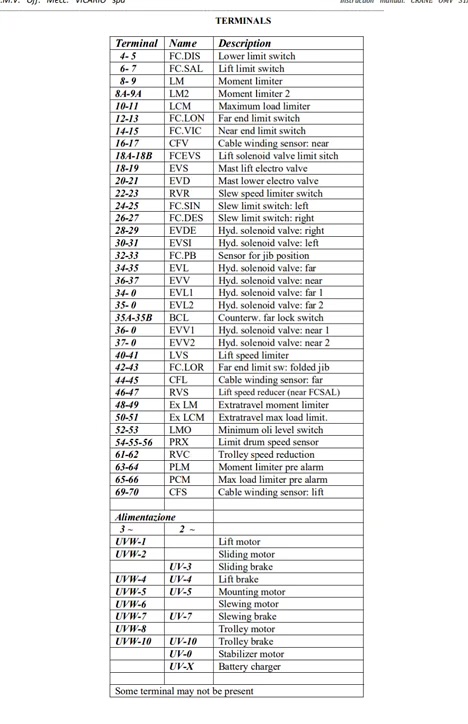
Vicario Limit Sheet
Here is a list of limit switched and what to do to jumper them.