Please see attachents for custom progaming with the remote for the LED lighting
RMC_Green_Flashing_Light_Instructions (1)

Rocky Mountain Crane Service Logs
Please see attachents for custom progaming with the remote for the LED lighting
RMC_Green_Flashing_Light_Instructions (1)
Tried to set weight on the remote, when doing so it would say to Early to DTA. Swapped load in with no luck. White and red wire needed to be swapped.
More details in Word document
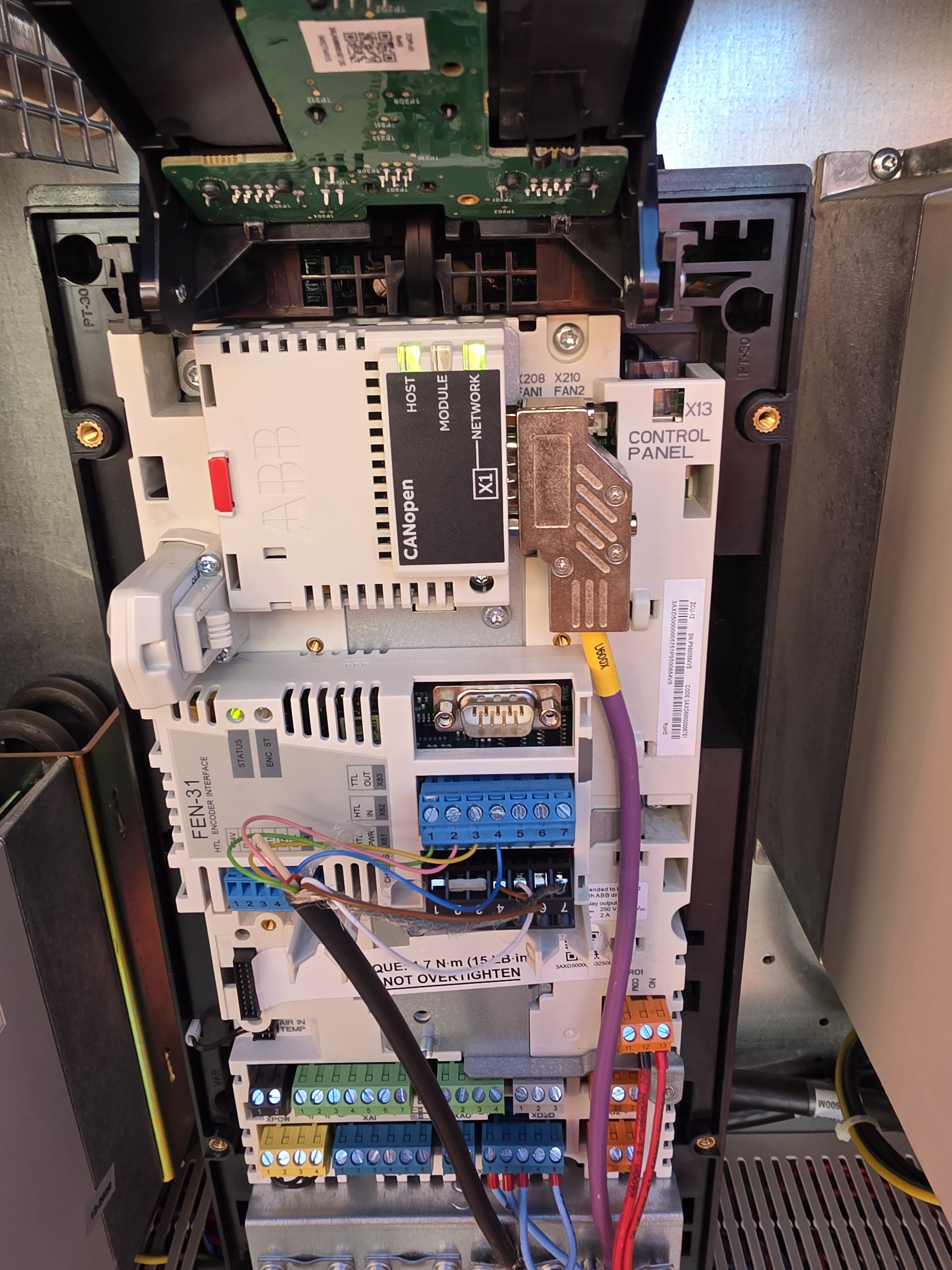
Showed up to crane with 7510 slew drive code.
Saw 24 volt supply breaker tripped. Reset and took cover off of drive. No lights on can card. Gave it a wiggle and tightened plug and lights came on and drove stared working again.
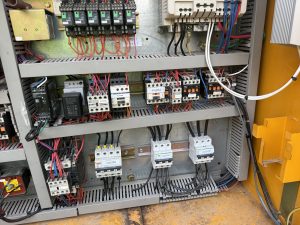
With the new Autec remote from CLS you must jumper the hoist and the trolley if you want the postion to be on switch 8.
103 to 104 Trolley
and
35 to 36 Hoist
These where each running through the U902N (Gold Box) and when the switch was in position 8 running through K938A
Potain HDT80 400953 RMC Crane edited wiring diagram for Luffed
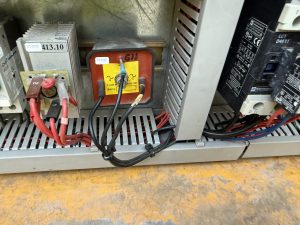
HDT 80 hoist stopped working, cannot hear the brake releasing but contactor was pulling in lower left wire on rectifier was loose
This is only for the Upper and Lower hoist limits and the Inner and Outer Trolley Limits
You need to set the trolley limits before the Upper and Lower hoist limits!
—– Limit calibration —–
With machine in work,
press the radio control buttons A and D simultaneously for at least 5s until the radio control buzzer sounds.
At this point the machine goes into calibration mode and the radio control screen changes showing the current maximum and minimum limits.
It is possible to move the lifting and trolley axes WITHOUT LIMITATION to bring them manually to the maximum and minimum positions.
Once the limit position has been reached, by keeping the corresponding button pressed for at least 3s, the quota (minimum or maximum) will be fixed to the current position of the axis
and to the value displayed by radio control.
The keys are assigned as follows:
– key A for minimum lifting limit (LOWER LIMIT CLOSEST TO GROUD)
– key B for maximum lifting limit (UPPER LIMIT CLOSEST TO JIB)
– C key for minimum cart limit (INNER TROLLEY LIMIT)
– D key for maximum cart limit (OUTER TROLLEY LIMIT)
The LEDs positioned above the keys indicate whether the limits calibration has been carried out (LED on steadily) or not (LED off), respectively at the minimum and maximum lifting and trolley levels.
——————-
Tried using Crane CCS code to get into maintence mode and it remains locked.
Must use technican CCS code to get to that menu
See attached for Access rights for either Crane code for Technican Code
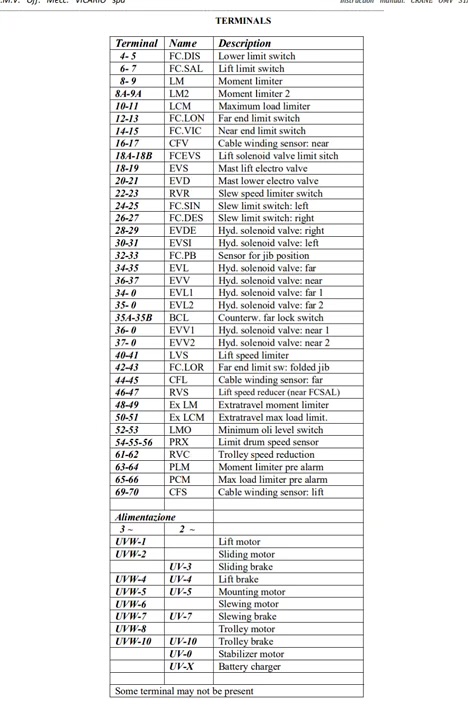
Here is a list of limit switched and what to do to jumper them.