Popping from tower head area MDT389

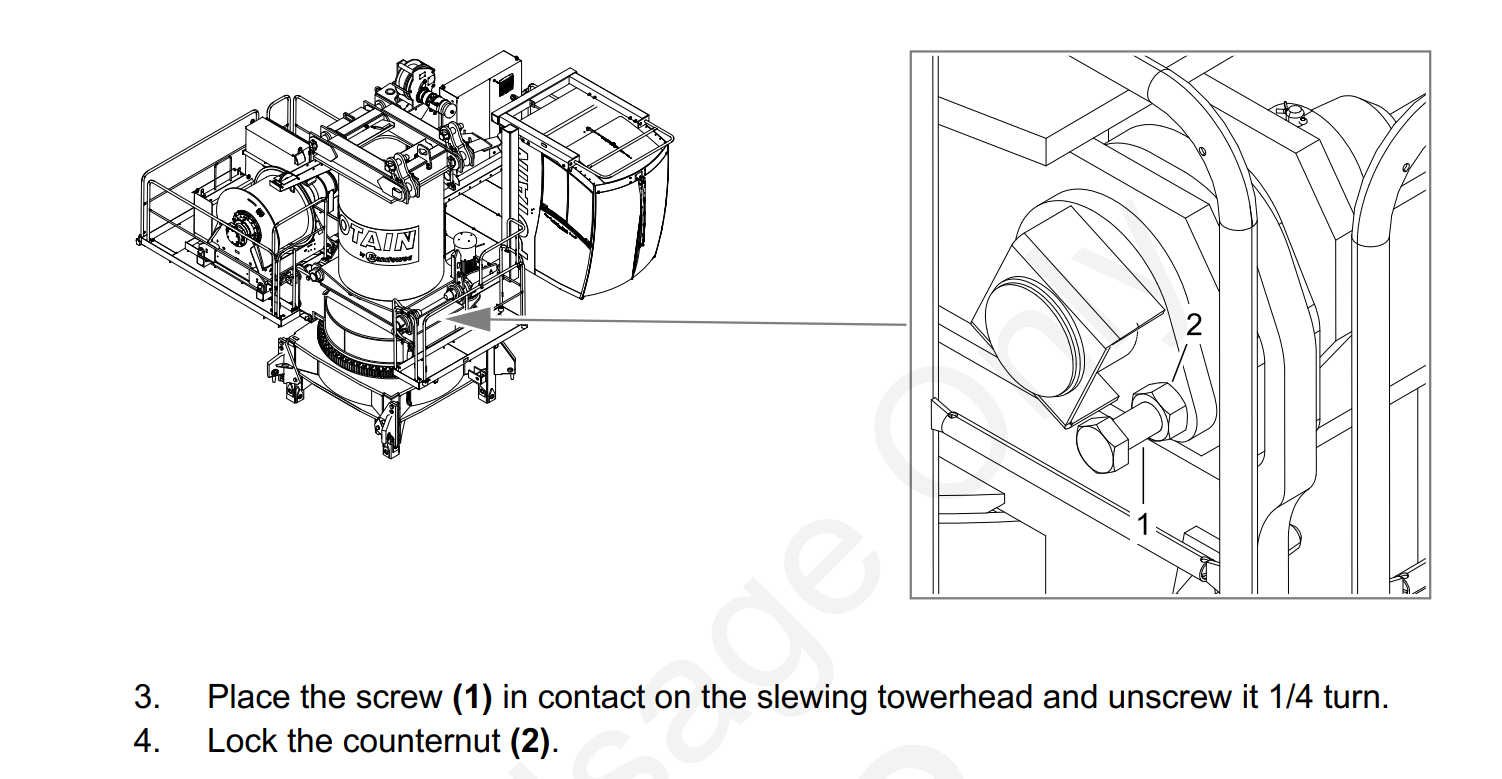
There are 4 pins that connect the tower head to the turntable. Near these pins there are 4 bolts that apply torsional pressure against the pins. The Operator Manual says to tighten the bolts then back them off 1/4 turn and set the jam nut. Blake Smith from Potain recommends these bolt be tightened and not backed off. Throughout operation of the crane occasionally re-tighten these bolts. The pin connections will pop as has they “seat in” during operation and will eventually quiet. This is a common issue with new 389 cranes.

Directions from Operator Manual

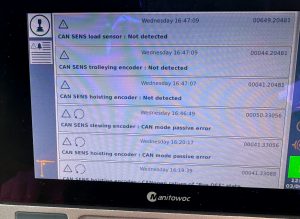
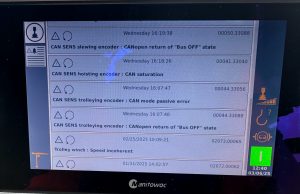
Hoist motor operates slow MDT 389 (Degraded Mode)

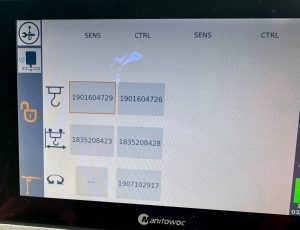
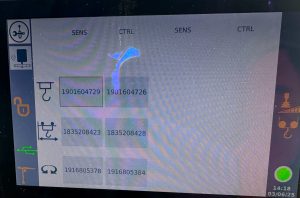
Operator gave hoist up command, Brake release felt sudden and hard, Followed by a very slow hoisting up or down. Some cases the crane would kick the operator out shortly after the hoist function was given. When the crane faulted E.65 was displayed on the KEB hoist drive.

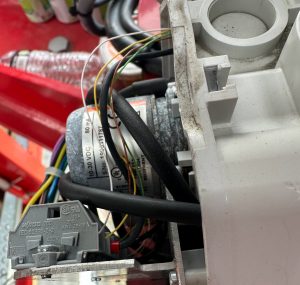
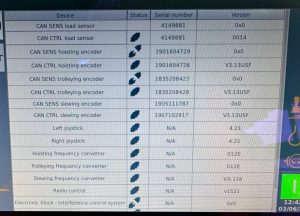
New Encoder was ordered

Hoist drive was placed in to Degraded Mode

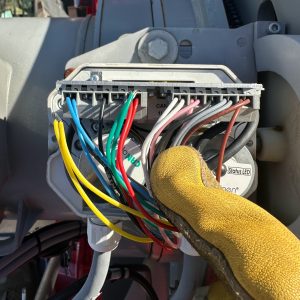
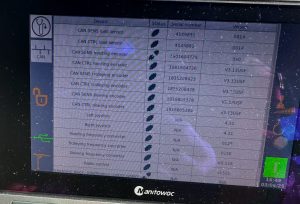
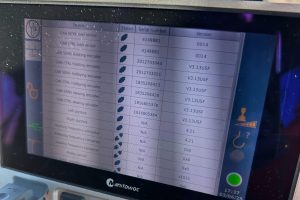
Replaced hoist Encoder,

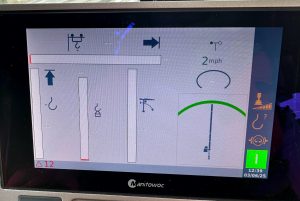
Took hoist drive out of degraded mode and normal operation resumed.

Hup crane wont fold to weathervane

After service and teach-in of a Hup 32-27 The jib was required to be folded for weathervane. Went through the book to confirm the steps were completed in order and done correctly. 

The crane would fold the jib tip but not the complete jib. A red x would appear when weathervane target was selected.

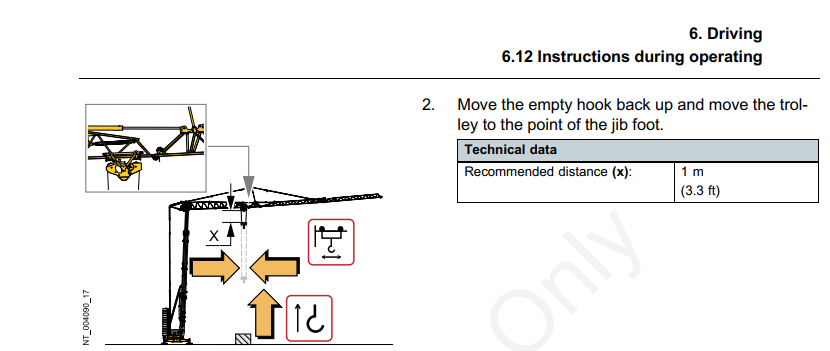
The image for the Trolley position if glanced at quickly is difficult to decern the correct trolley placement. Folded Jib trolley placementNote: The trolley must not be in the transport position.
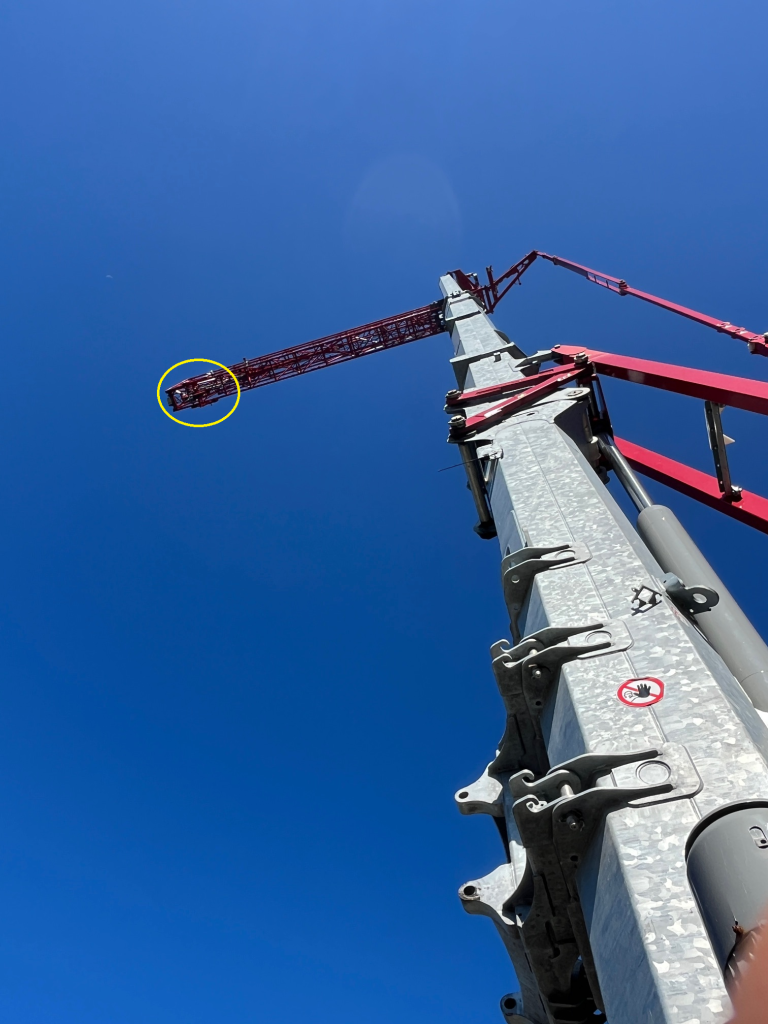
Trolley in, until the trolley is completely inside the first jib section. This will allow the jib to fold for weathervane.

Crane lost slew function AFE1 Code on slew drive

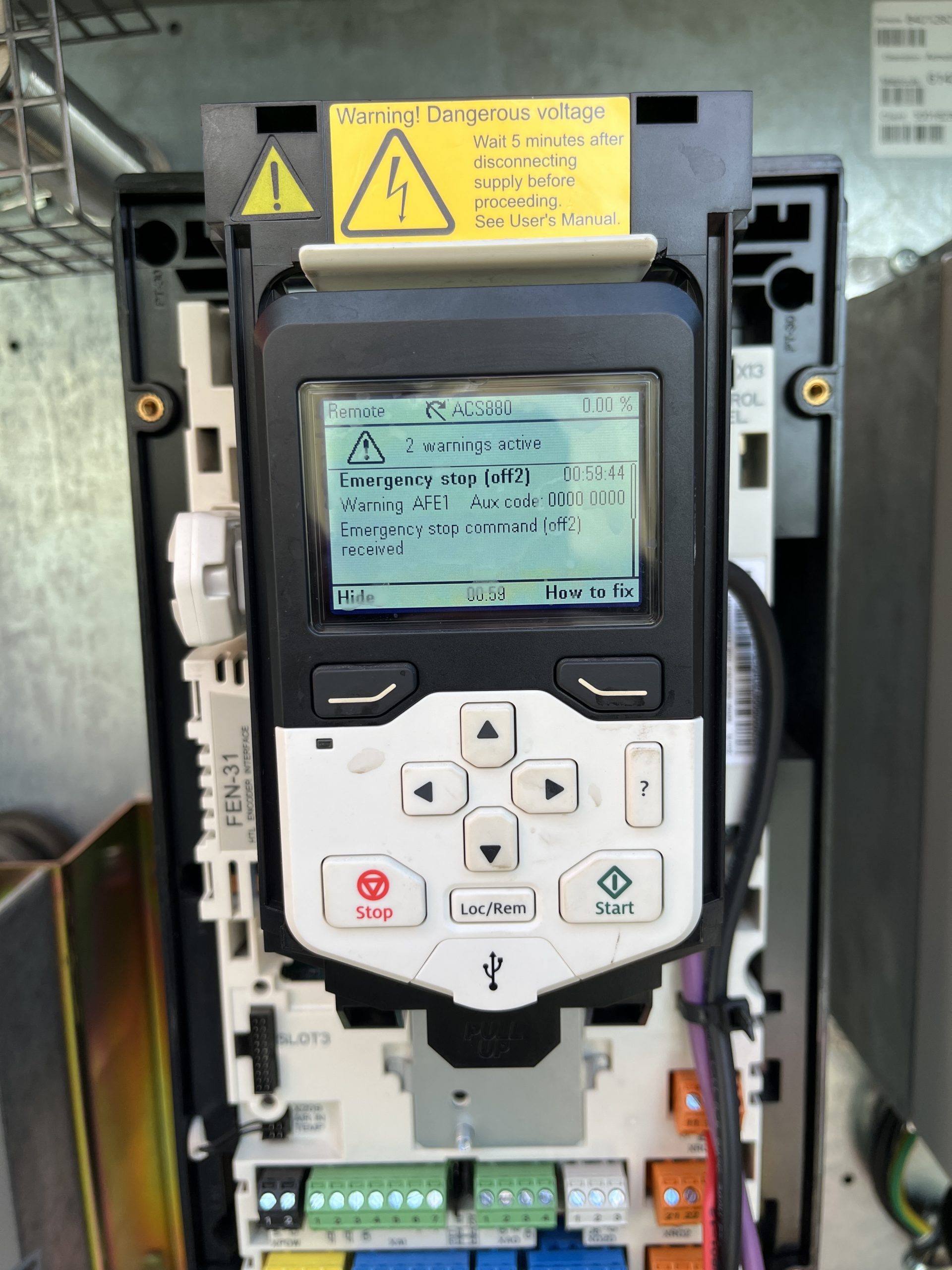
Crane lost slew function. AFE1 displayed permanently on screen. If cleared, drive would shut down. Checked voltage at XD24-2 24V connection on slew drive. Voltage was present but not 24V. Checked XD24-1 connection at slew drive Voltage was present but not 24V. Removed the XD24-2 wire are rechecked and voltage was 24V. Determined K600M Contactor was faulty.
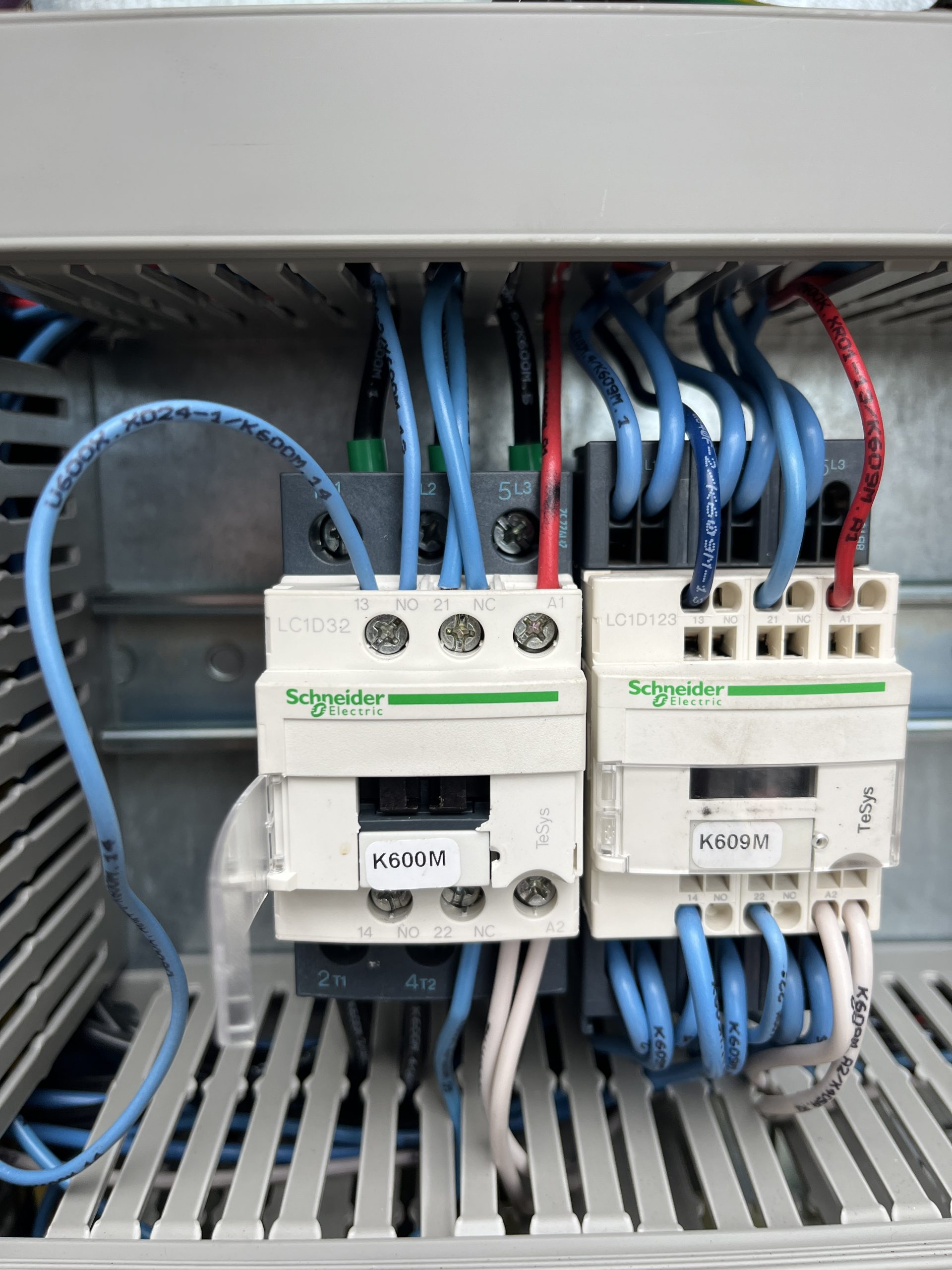
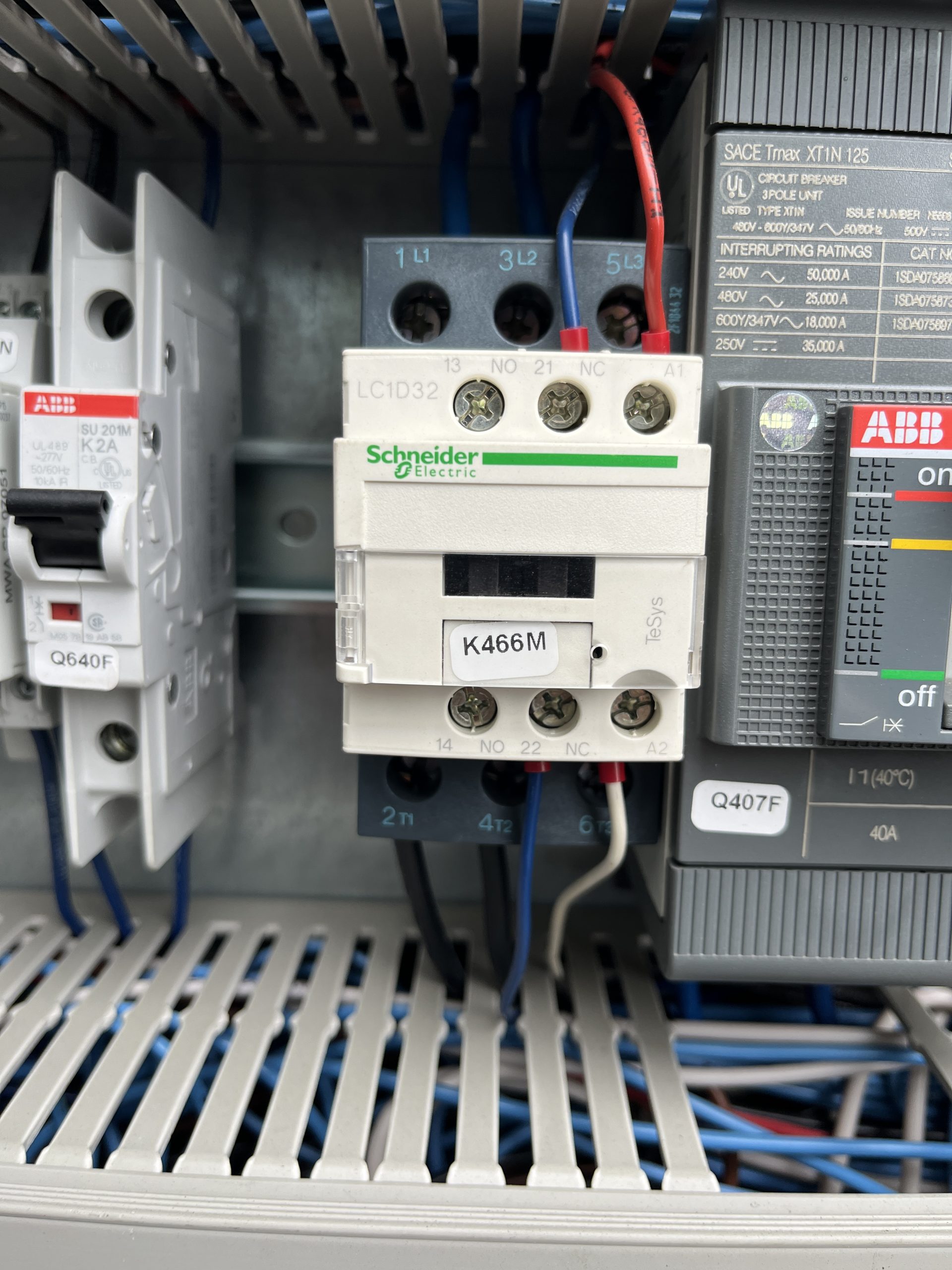
If a new contactor isn’t available. K466M (motor preheat contactor) is the same and doesn’t use the 13/14 connections. This a great contactor to use to get the crane up and running.
Removing outer jib, 104ft IgoT85

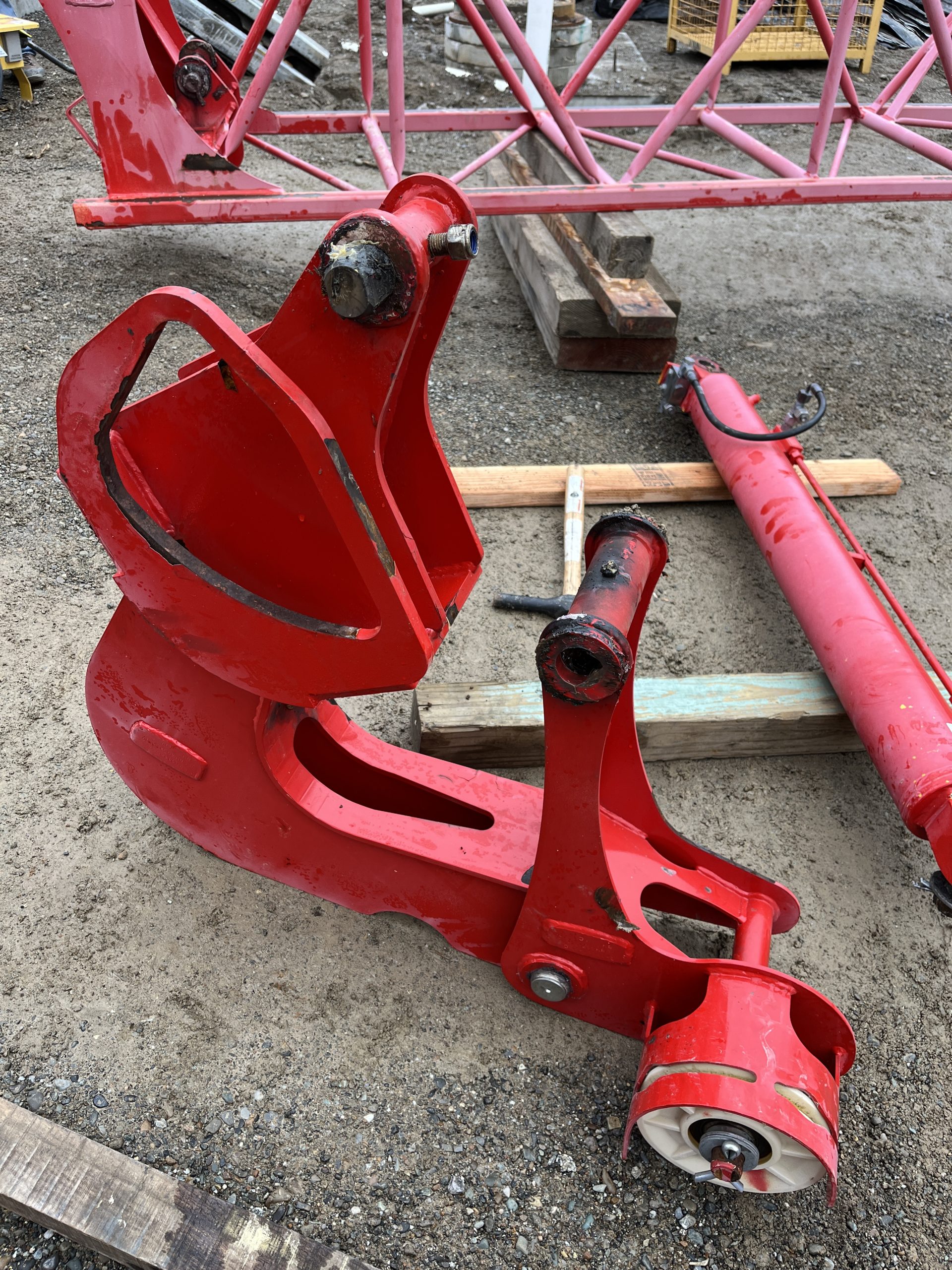
After you bring the crane into maintenance mode and get it in the position to start taking the Hydraulic cylinder,  jib attachments, and jib off.  The operator manual disassembly instructions do not match the actual process to remove the outer jib.

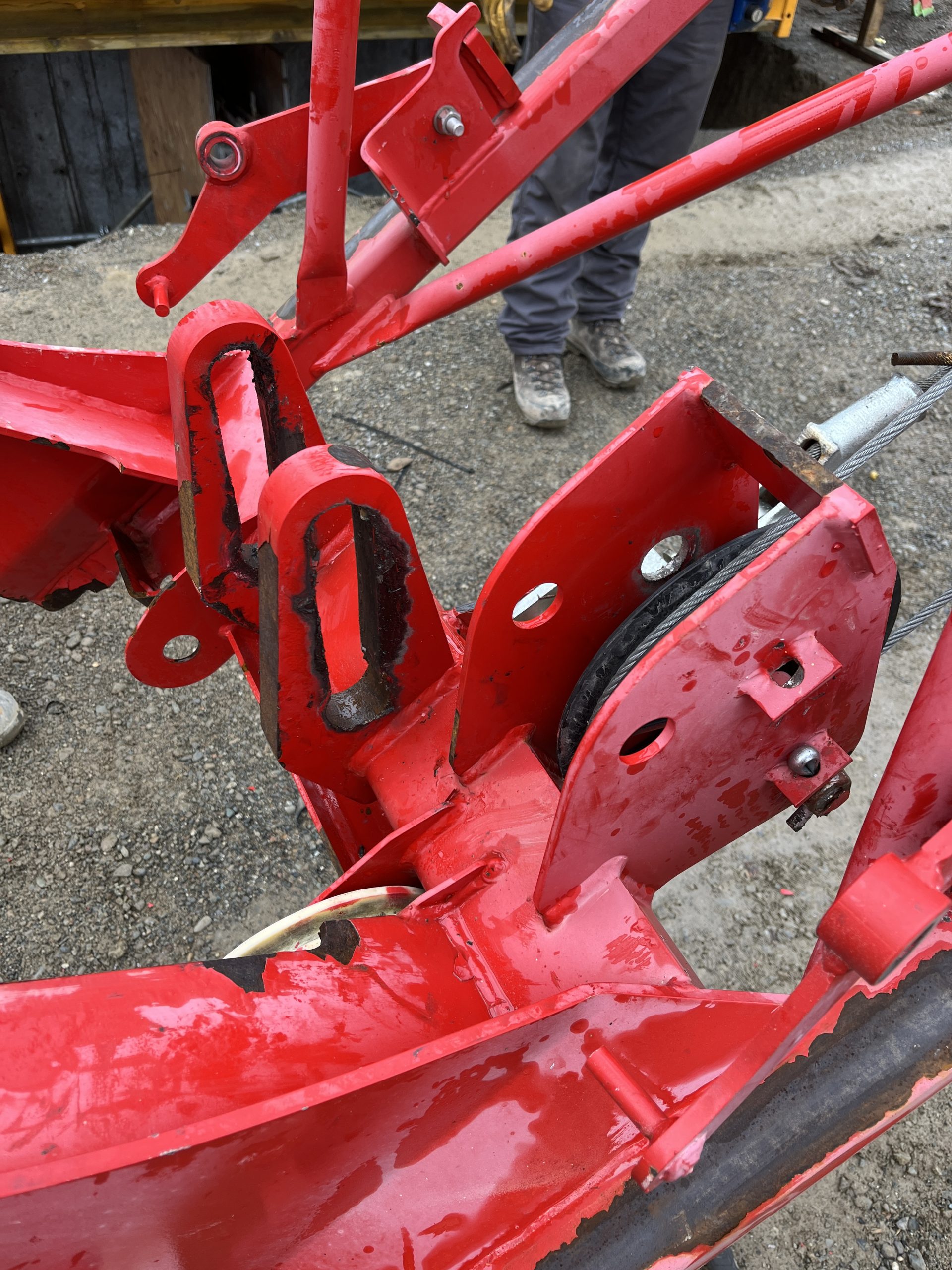
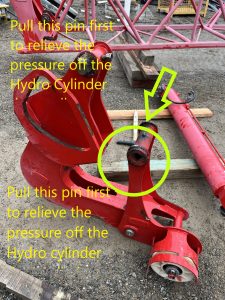
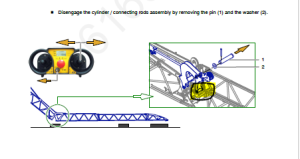
With the pictures above the picture from the manual tells you to pull this pin to get the cylinder off.  Which there is to much pressure on the cylinder to get that pin out with out possibly bending the Jib on the crane. When you get to this step of taking the Hydraulic Cylinder off you will want to revert to the edited picture above and pull that pin first.

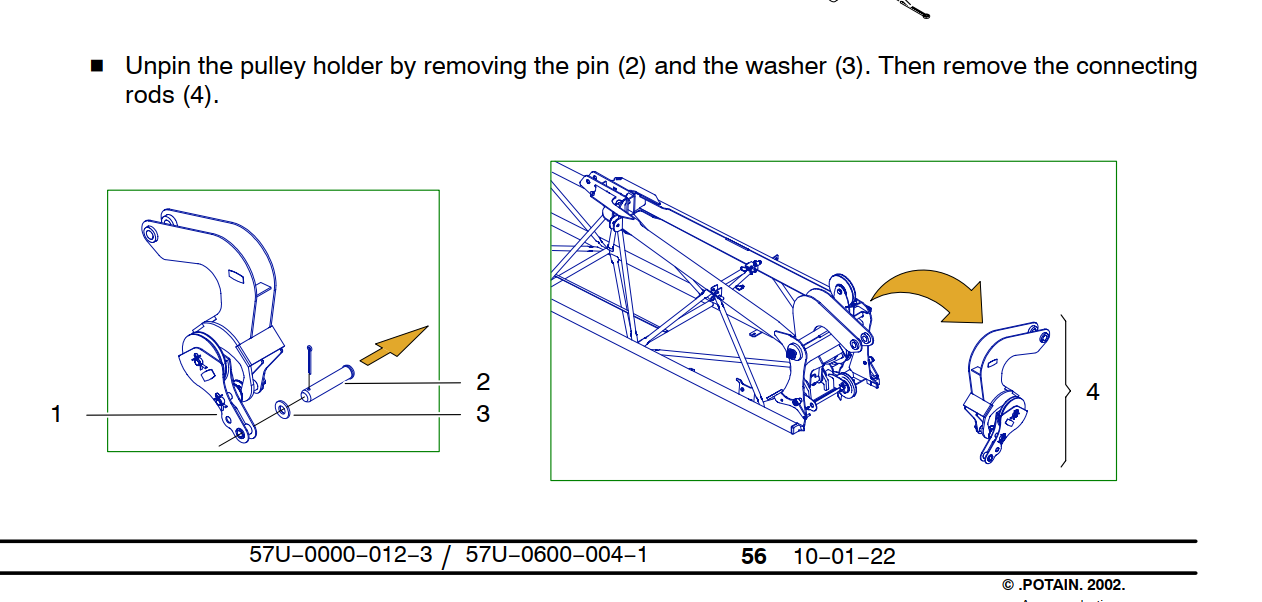
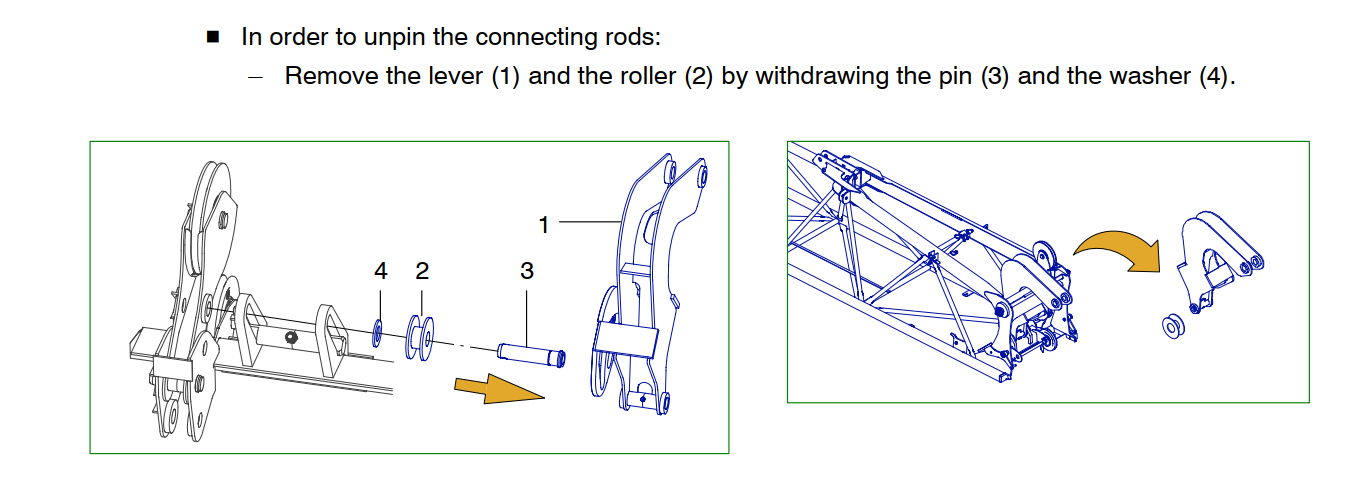
The operator manual disassembly instructions do not match the actual process to remove the outer jib. When removing the outer connecting rod/hydraulic assembly, there is no need to remove the pulley pin and roller assembly as detailed in this step.

The connecting rod (4)(image below) pivots on a special pin with a through bolt. To remove the connecting rod (4) Remove the through bolt, slide out of the connecting rod pin (4) The sheave assembly that is detailed in the image below (1) is separate and will unpin without any interference from the Connecting rod (4)  

Jib hinge, Connecting rod, jib removal

The connecting rod pin fits into a slotted rail, the pin needs to be at the bottom of the rail and turned 1/4 turn to be removed. (Note the trolley cable sheave is installed and pined into place. The pin required to pin the sheave is the same pin used to hold the pulley holder (1) in place. There is some paint in the I.D. of the holes, it is recommended to install the pin first with anti-seize to help drive out the paint before installing the sheave. )

The connecting rod assembly can be removed without completely disassembling the assembly as detailed in the instructions.


U230X Processor not powering on.

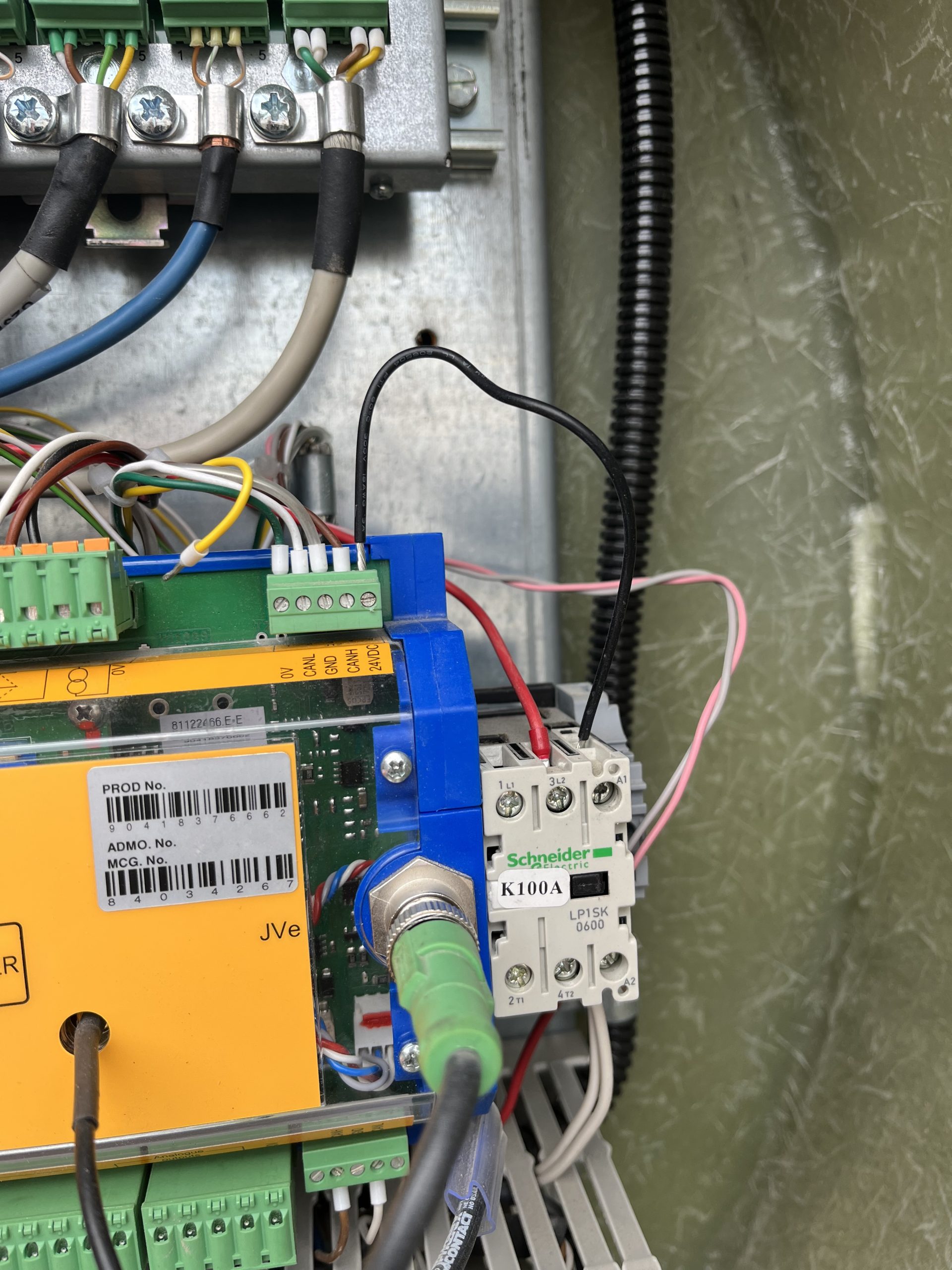
Customer complaint was that the crane would not connect to the remote. It was found the U230X Processor display wasn’t on, but the light shining on the processor was on. A voltage reading of 50V was taken at the J1/2 and continuity reading was taken at J1/1.  It was noted that K100A wasn’t energized. A voltage reading at J12/5 was taken and found a reading of 0Volts

The U230X has an internal fail safe that if there is something wrong with the start sequence it will not power on. In this instance all outgoing connections were removed until only the J1 Connection was left connected to the processor. The crane was powered on and the processor powered up showing information on the display. One by one each J connection was added until the processor would not power on. It was found that the J12 connection was the offending connection. The 24V connection at J12/5 was removed at the processor and and the crane processor powered on.  The crane was once again powered down and a continuity reading was taken from the J12/5 wire to each J12 connection. It was found that the J12/5 was making contact to the J12/1, J12/3, and chassis ground. The customer inspected the KK plug for a connection error and it was found the wiring to the KK plug was compromised internally. As a temporary fix to allow the operator to continue to work a jumper wire was ran from J12/5 to the A1 connection on the K100A. The crane operates as it should. Replacement of the KK plug wiring should be taken in this instance.


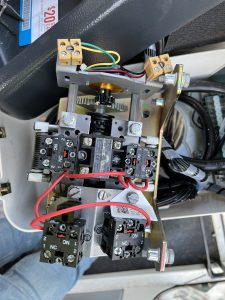
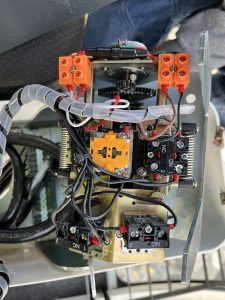
MRH deadman button not working

Operator complained the deadman button wasn’t releasing. 

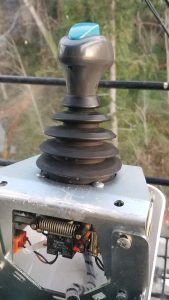
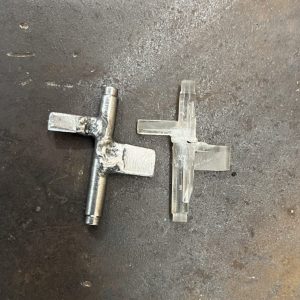
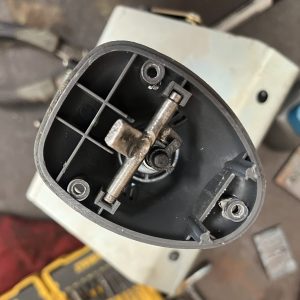
The bell crank that operates the deadman switch pin broke.  The temporary fix was to remove the top of the joystick and button and manually lift the deadman lock pin. When the technician was able to arrive on site a T85 joystick was used in place of the MRH joystick until replacement parts were made.  The Deadman contact is different from a T85 stick and so the contact switch needed to be swapped.

Potain has switched design on the replacement joysticks, so a new bell crank was made

and reinstalled into the old joystick and reinstalled into the crane.


Unlisted Technician Videos

This playlist is only accessed by having a direct link. Do not share this link with anyone outside of RMC

Technician library playlist

  1. Hup CAN control card install
  2. Liebherr working electrical panel
  3. Holder Tractor service reset
  4. ACS380 Drive warning reprogram
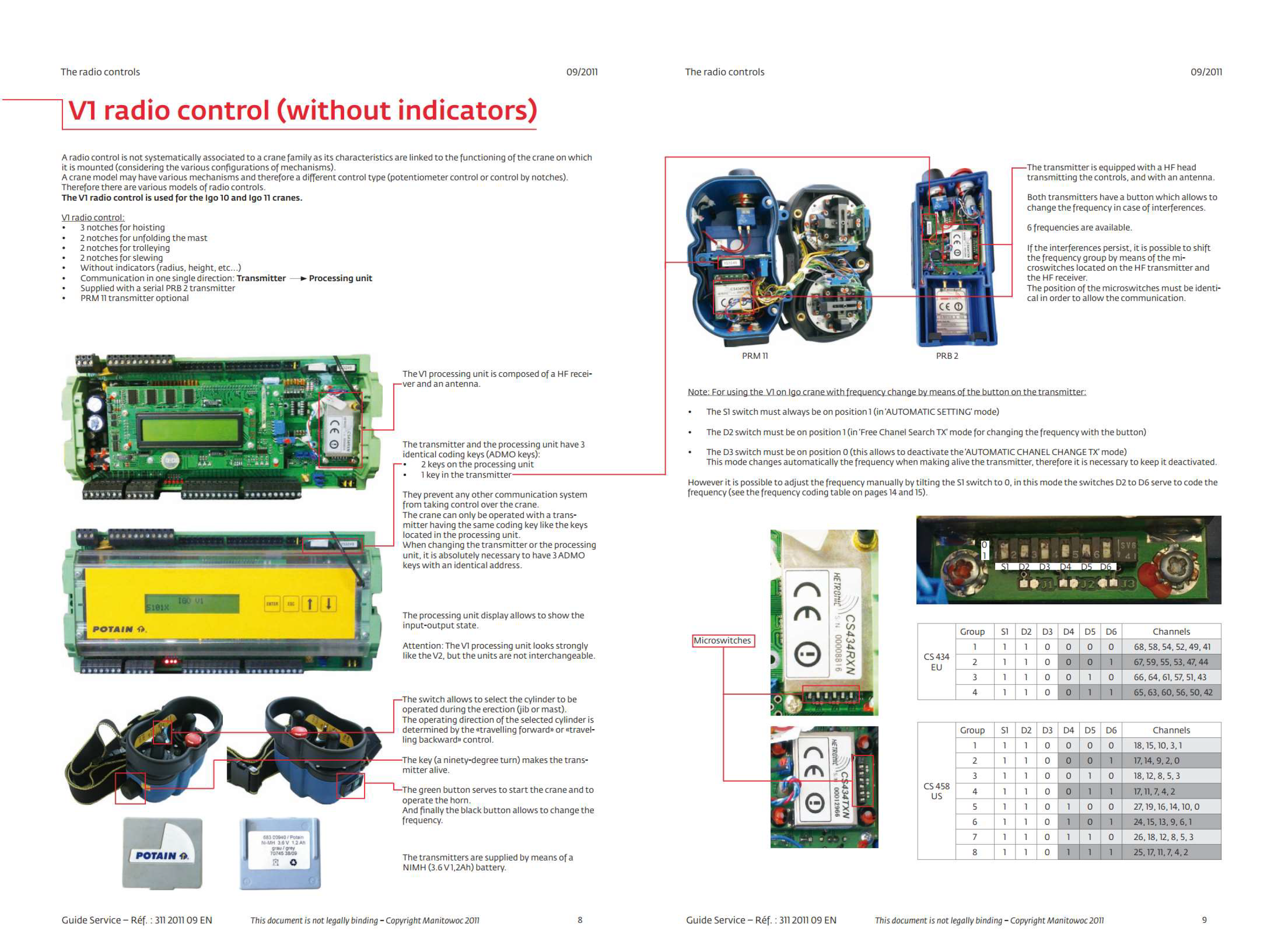
  5. High gain receiver dip switch programing –V3 Remote control
  6. Basics of AMCS
  7. How to remove contactor from Din rail
  8. Weathervane microswitch replacement
  9. How to manually change Liebherr I/O’s from the PLC


MDT – Tech Tip Videos

MDT Tech tip Playlist

Below is a library of videos. If you have a customer with one of these issues, send them the link to our Youtube channel to help free up your time.

LMI Fault Troubleshoot – Crane won’t start, how to access the fault stack Youtube Link

LMI service code – How to enter a service code using the LMI Youtube Link

Loss of cab power – Instructions to check for tripped circuit breaker Youtube Link

Turning off slew encoder – How to enter the VFD to turn off the slew encoder Youtube Link

Checking Correct Power and Phase – Where to look for the correct phase Youtube Link

Switching from 4 part to 2 Part – How to switch the hook block Youtube Link

Custom operator controls – How to change or adjust the operator controls Youtube Link

Emergency hoist release – How to lower a load without crane power Youtube Link

CCS Serial number lookup – How to lookup the serial # in the processor Youtube Link

Inputting a new serial number into CCS – How to input a new serial # into the processor Youtube Link

Manual weather vane – How to put Topless cranes into weather vane manually Youtube Link 

Wireless Remote Diagnostics – How to check the functionality of the wireless remote Youtube Link 

Weathervane detection microswitch replacement – How to locate and remove the weathervane detection microswitch. Youtube Link