For 90% take your known load and times by 1.1 and then match up to the load chart
For the others take the number less than 100 and times that by the load. For example for 110% take load times .9 and then match that number on the load chart.
For 90% take your known load and times by 1.1 and then match up to the load chart
For the others take the number less than 100 and times that by the load. For example for 110% take load times .9 and then match that number on the load chart.
Tried entering the crane code, SCM code, and technician’s code into the crane cab display, but we crane would not accept the code. CCT and SCM were not communicating, and because the date was incorrect, the crane display would not accept any codes.
Start by switching Q131F off and then back on. Enter the SCM replacement code into CCT, and the go to Menu 2 and then to Advanced. Enter New Device and verify serial number and date and time. Switch Q131F off and back on again, and start crane.
If an incorrect code(s) have been attempted in the crane computer, it will get confused and will not accept any codes.
Auto wind on hoist while raising and lowering mast not working .
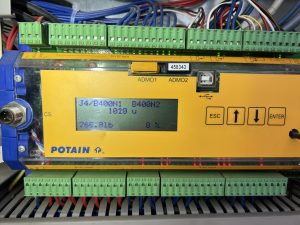
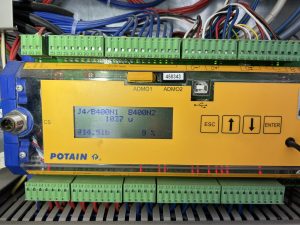
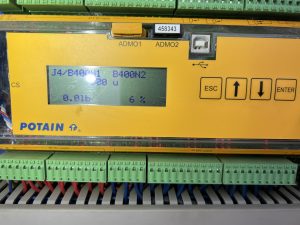
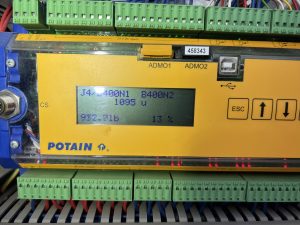
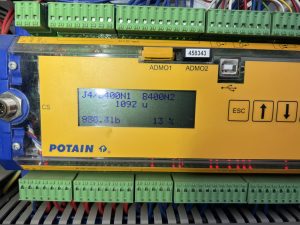
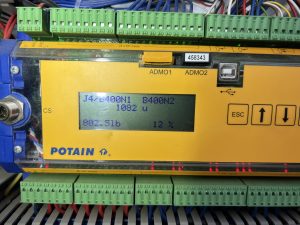
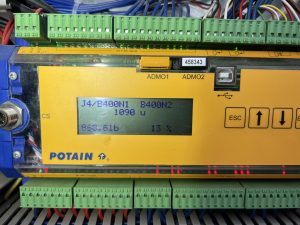
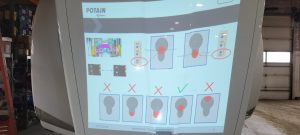
Did trouble shooting with Potain and used these screens to determine if signal was getting to processor and then to drive.
Also screen will show you how much weight on load line while going up was consistent at around 800-1000 lbs going down was around 0-250
We found brake disc on hoist was hanging up just enough to cause the issue. Took apart Hoist brake and cleaned and anti seazed everything and all seems to be working now
Use videos for reference of what should be chaning on outputs when you start to raise the mast IMG_9049
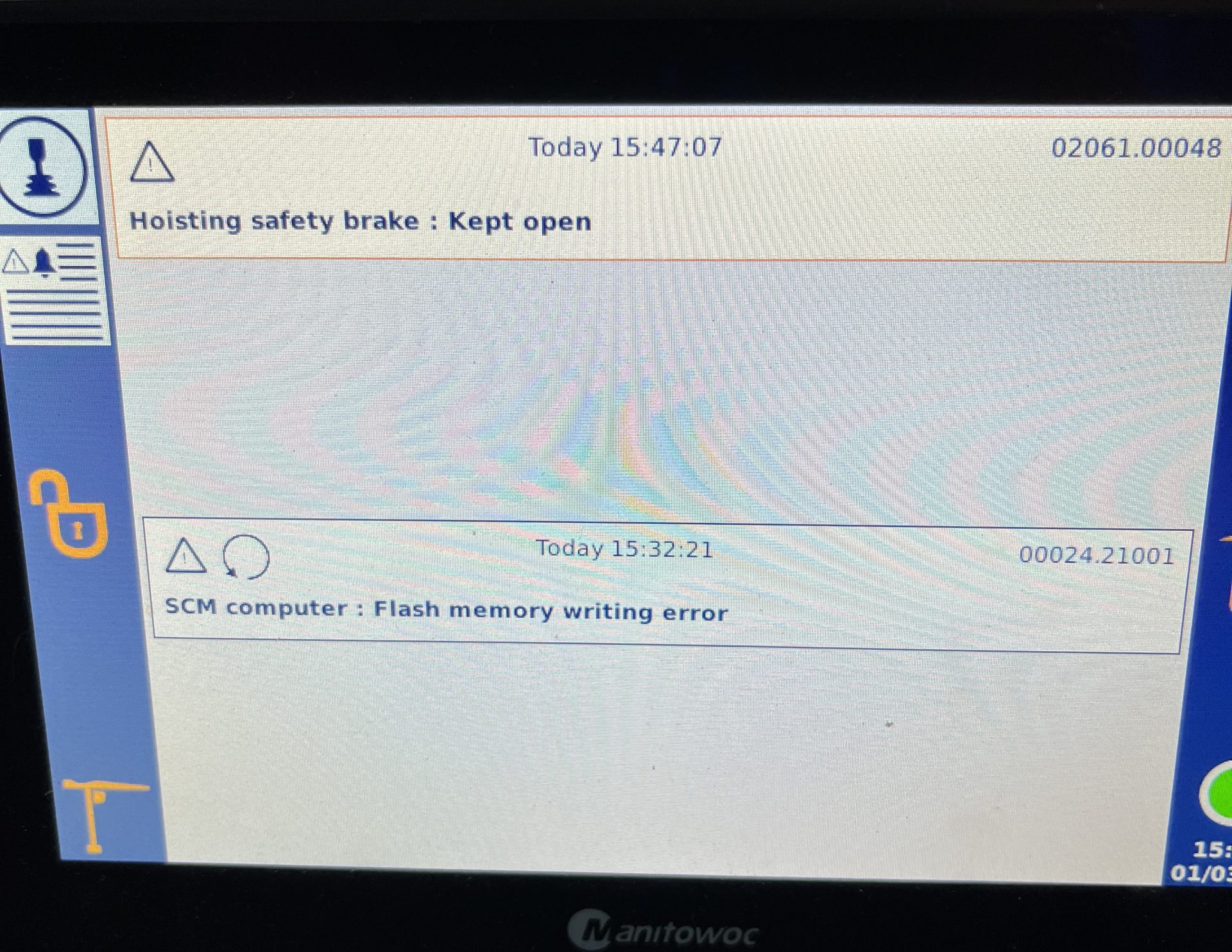
02061.00048 Hoist safety brake Kept open
Problem:
This fault was a recurring fault in the fault history log. The fault would clear the active fault log when the crane was in use and only appear when the crane was turned off. (Switched off from the remote or an Estop command input)
Solution:
Determine if the crane is fitted with optional “SAFETY BRAKE” If fitted: follow directions in CCS Manual to correct the fault.
If not fitted, check the configuration of the crane and determine if the safety brake option is not active.
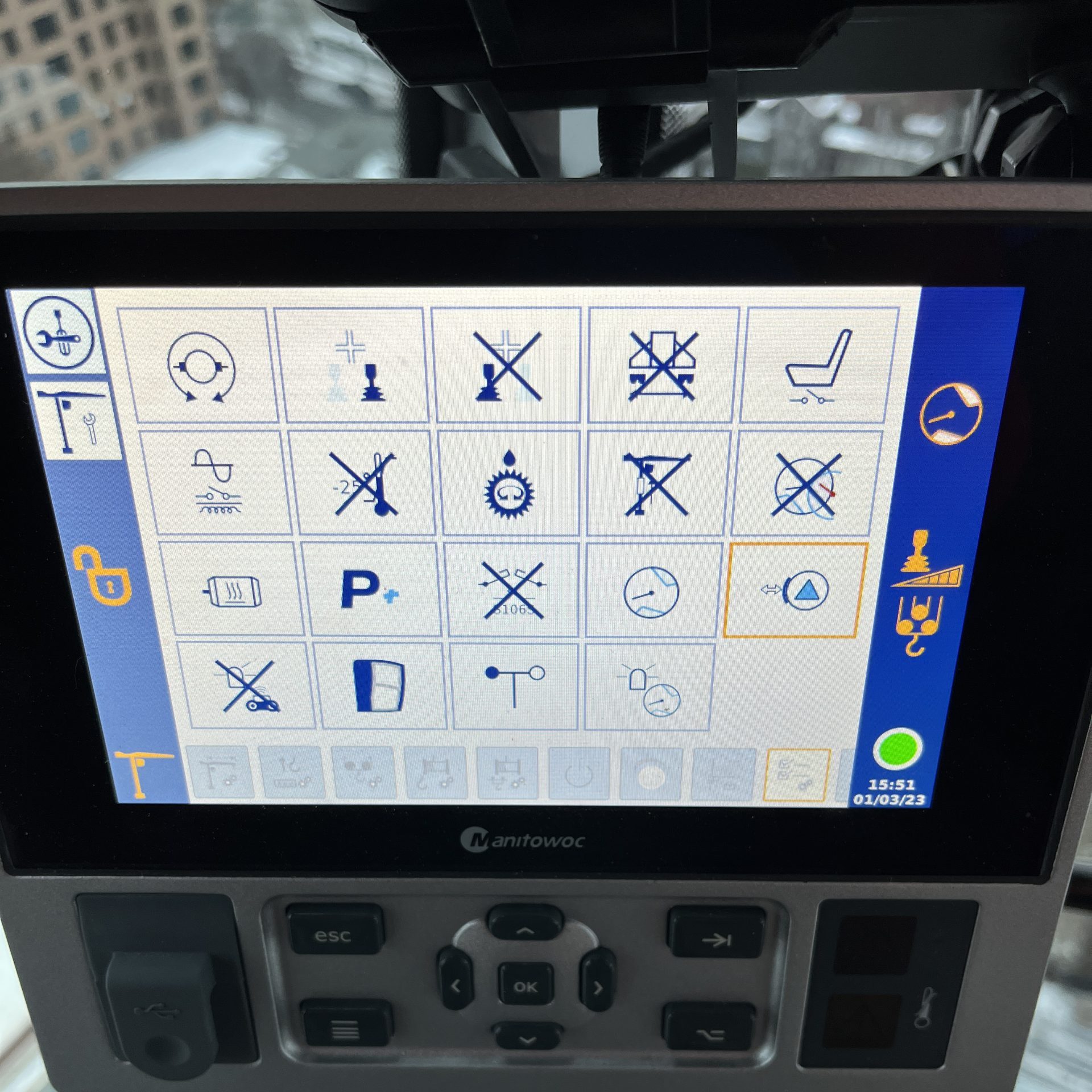
If active, De-select the option
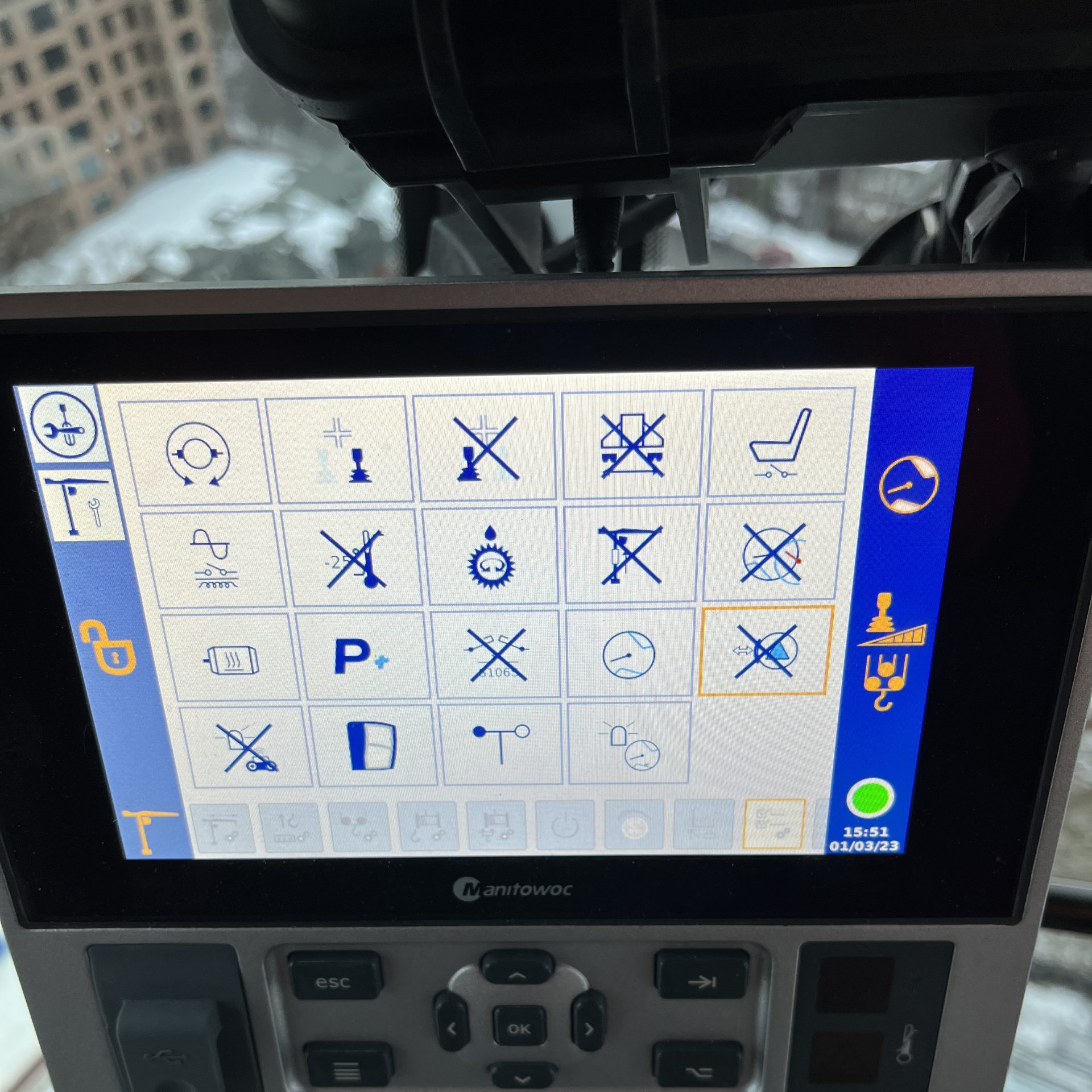
and restart the crane. Fault code with be removed.
TA20-218-A – CCS DISPLAY UPDATE_EN
Sequence for forcing an update by USB to display
Remote will start the crane, but no functions work. Display shows Trolley Position, Hook Height and Slew Angle, but no functions work. See screen:
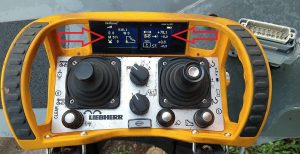
Note left arrow. M511 means wind zone is not confirmed (1st clue, see “M” codes in Liebherr folder). Right arrow indicates trolley position, but does not indicate jib length (the 0.0 below position). Go into scaling (key switch CCW to scaling) and press F3 for scaling summary. All icons should have a checkmark next to it.
Any icons that have a “X” next to it need to be reconfirmed. F1 to previous screen, and F2 to confirm each icon. Must confirm the OK at the end as well.