
Info on Mast Maintenance and repair along with how to shim mast
Multiquip generator starts and dies immediately
After cranking the first time, the Overcrank and Overspeed lights come on. When attempting to restart, only Overcrank and Overspeed lights come on, but the generator will not crank. Opening the control panel, can flip the switch Maintenance mode and generator starts, but will not shut off. The 15 amp mini blade fuse behind the control panel is blown.
Figuring out Distance for 90% 110% and 125% for load charts for MR MRH and T85 125%
For 90% take your known load and times by 1.1 and then match up to the load chart
For the others take the number less than 100 and times that by the load. For example for 110% take load times .9 and then match that number on the load chart.
Crane will not accept a code and date shows 1/1/00 and clock showed 00:00
Tried entering the crane code, SCM code, and technician’s code into the crane cab display, but we crane would not accept the code. CCT and SCM were not communicating, and because the date was incorrect, the crane display would not accept any codes.
Start by switching Q131F off and then back on. Enter the SCM replacement code into CCT, and the go to Menu 2 and then to Advanced. Enter New Device and verify serial number and date and time. Switch Q131F off and back on again, and start crane.
If an incorrect code(s) have been attempted in the crane computer, it will get confused and will not accept any codes.
Auto wind on Hoist on T85
Auto wind on hoist while raising and lowering mast not working .
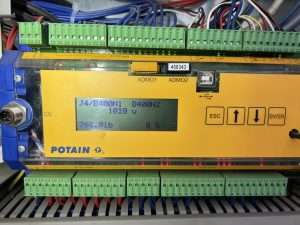
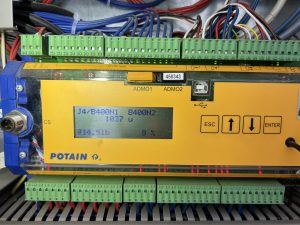
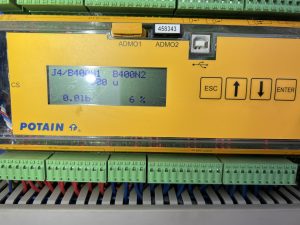
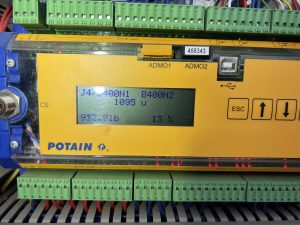
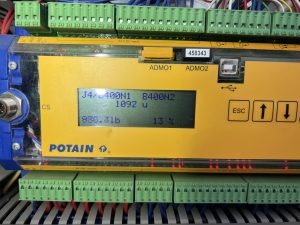
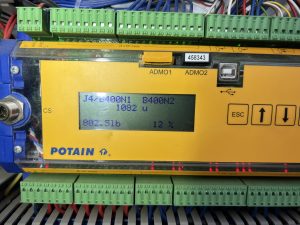
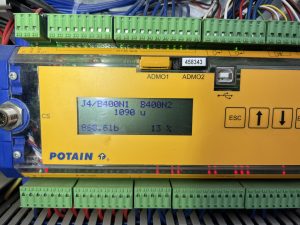
Did trouble shooting with Potain and used these screens to determine if signal was getting to processor and then to drive.
Also screen will show you how much weight on load line while going up was consistent at around 800-1000 lbs going down was around 0-250
We found brake disc on hoist was hanging up just enough to cause the issue. Took apart Hoist brake and cleaned and anti seazed everything and all seems to be working now
Use videos for reference of what should be chaning on outputs when you start to raise the mast IMG_9049

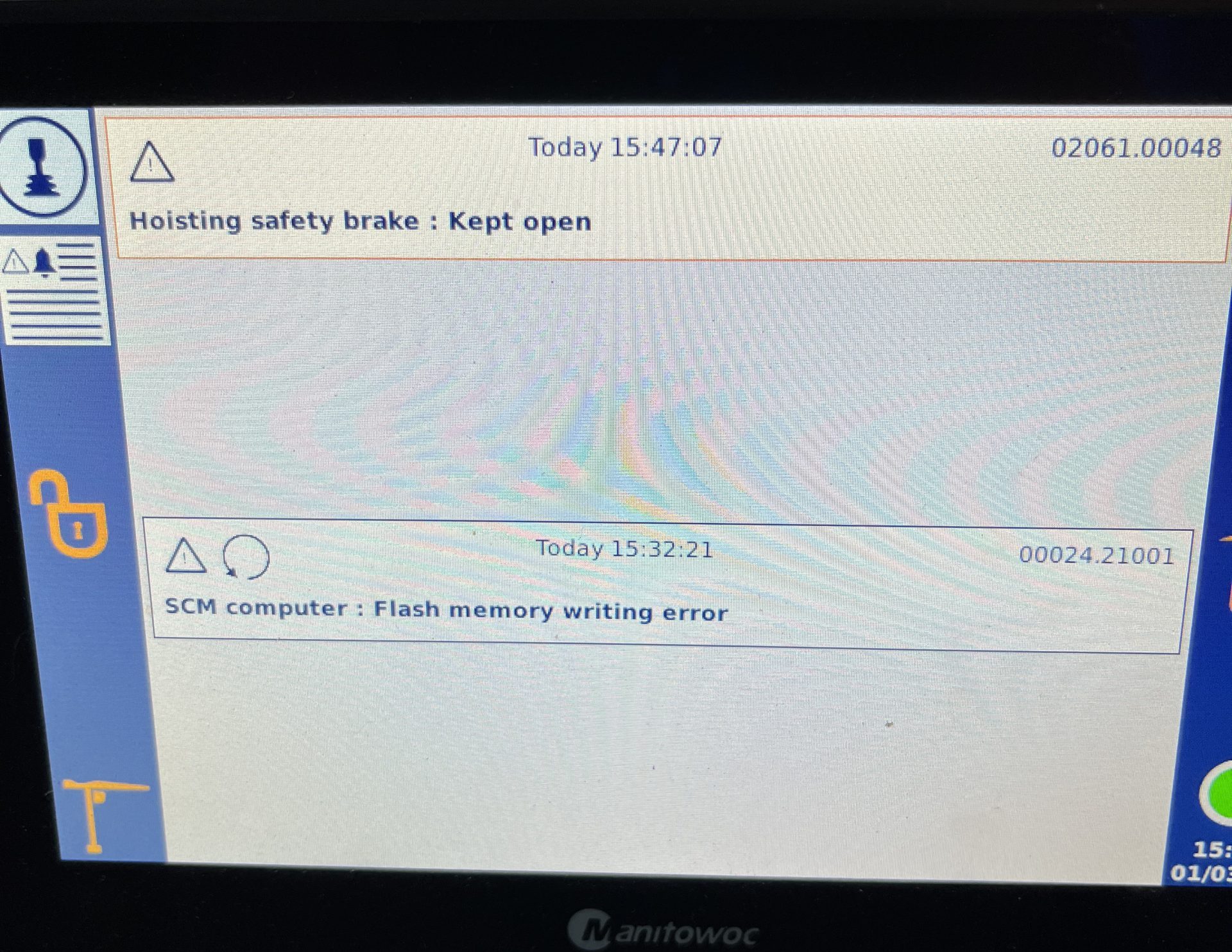
Hoist safety brake: Kept open
02061.00048 Hoist safety brake Kept open
Problem:
This fault was a recurring fault in the fault history log. The fault would clear the active fault log when the crane was in use and only appear when the crane was turned off. (Switched off from the remote or an Estop command input)
Solution:
Determine if the crane is fitted with optional “SAFETY BRAKE” If fitted: follow directions in CCS Manual to correct the fault.
If not fitted, check the configuration of the crane and determine if the safety brake option is not active.
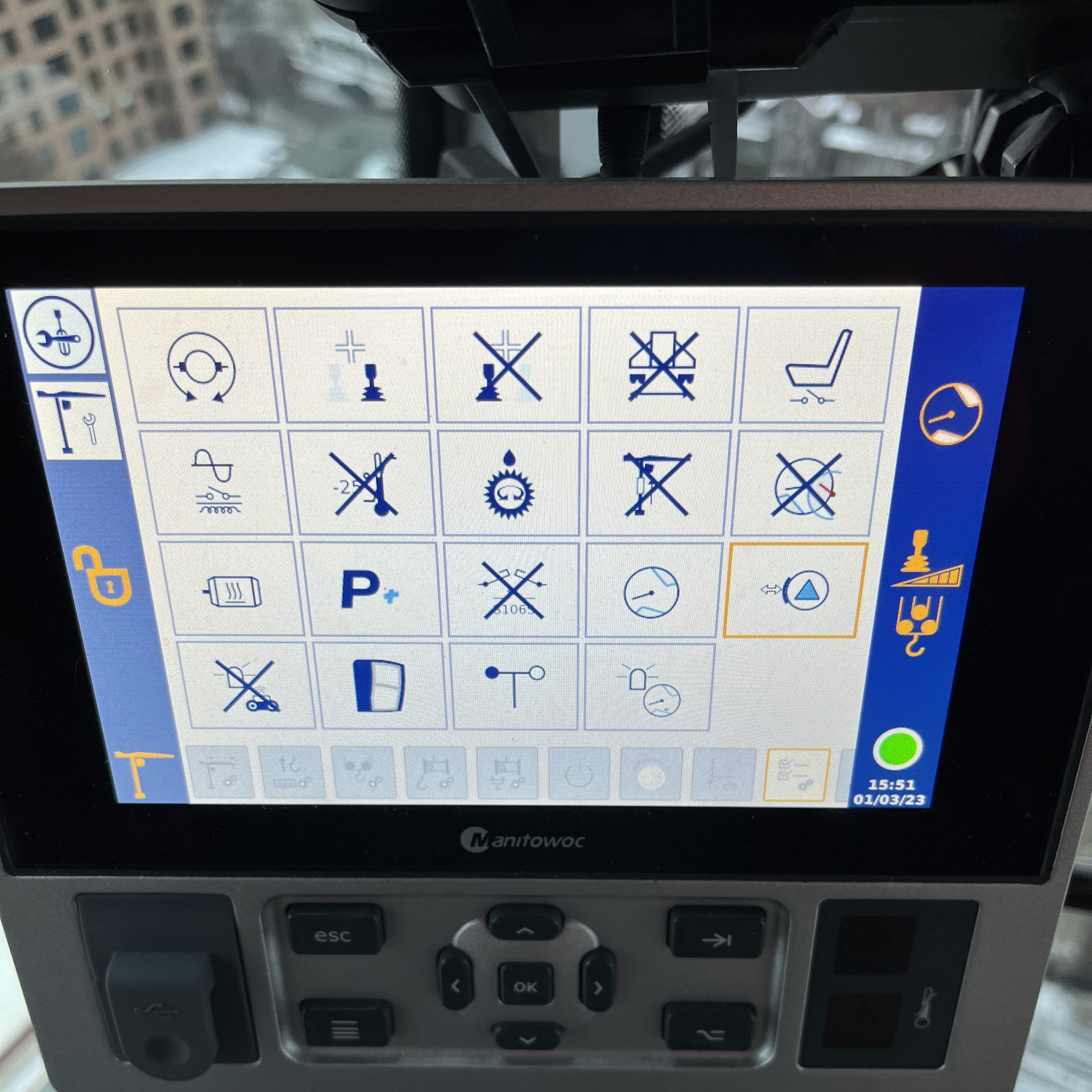
If active, De-select the option
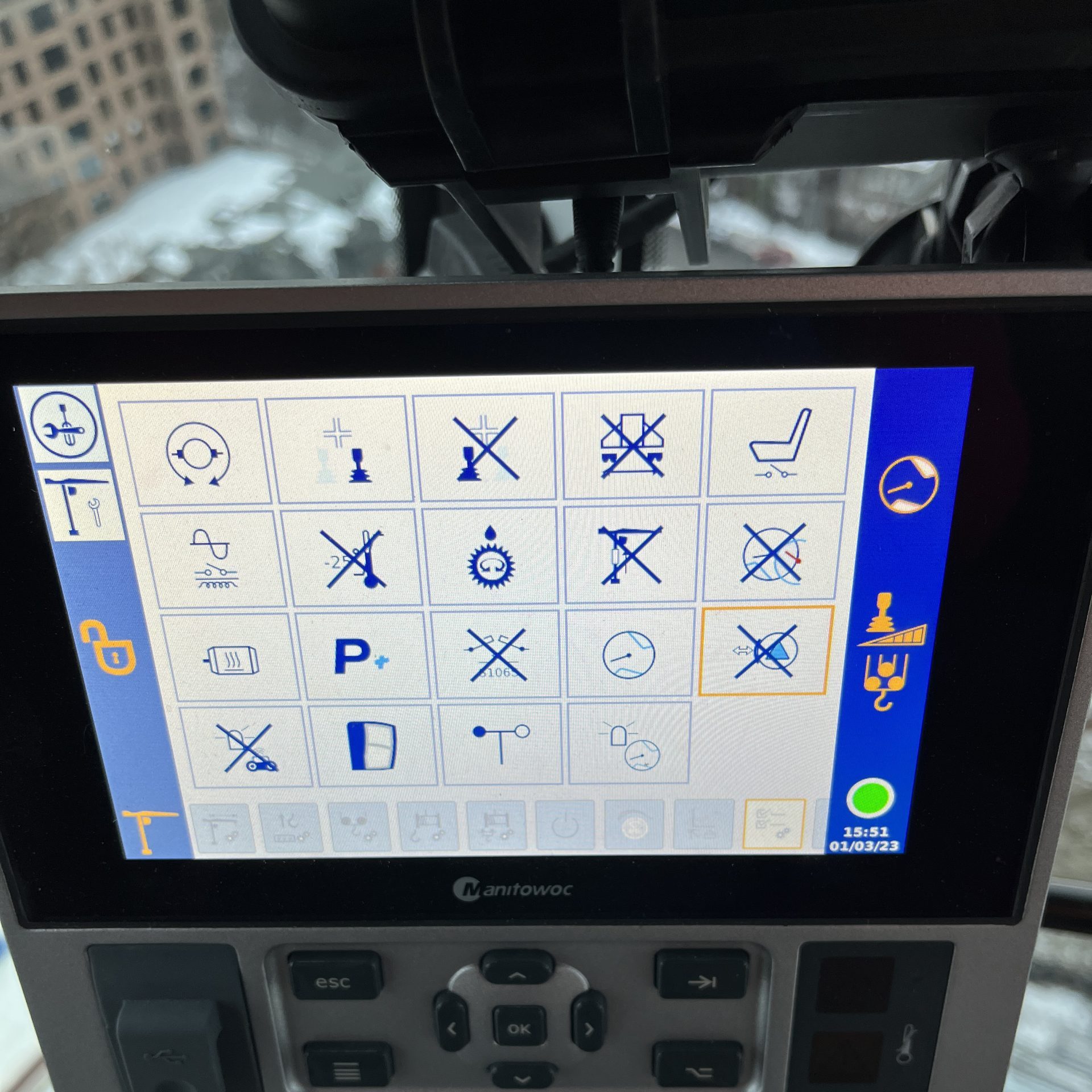
and restart the crane. Fault code with be removed.
T130 MOUNTING ASSISTANCE MENU
CCS CRANES PRINCIPAL BETWEEN MOTOR ENCODER AND CCS ENCODER
Slewing ring bolts & screws maintenance.
Forcing an Update on CCS Tower Cranes
TA20-218-A – CCS DISPLAY UPDATE_EN
Sequence for forcing an update by USB to display