High Powered Antenna Channel Change

Had a customer that was loosing remote function while on the job and had full battery and full signal.  It would lose signal and go to the Potain Screen

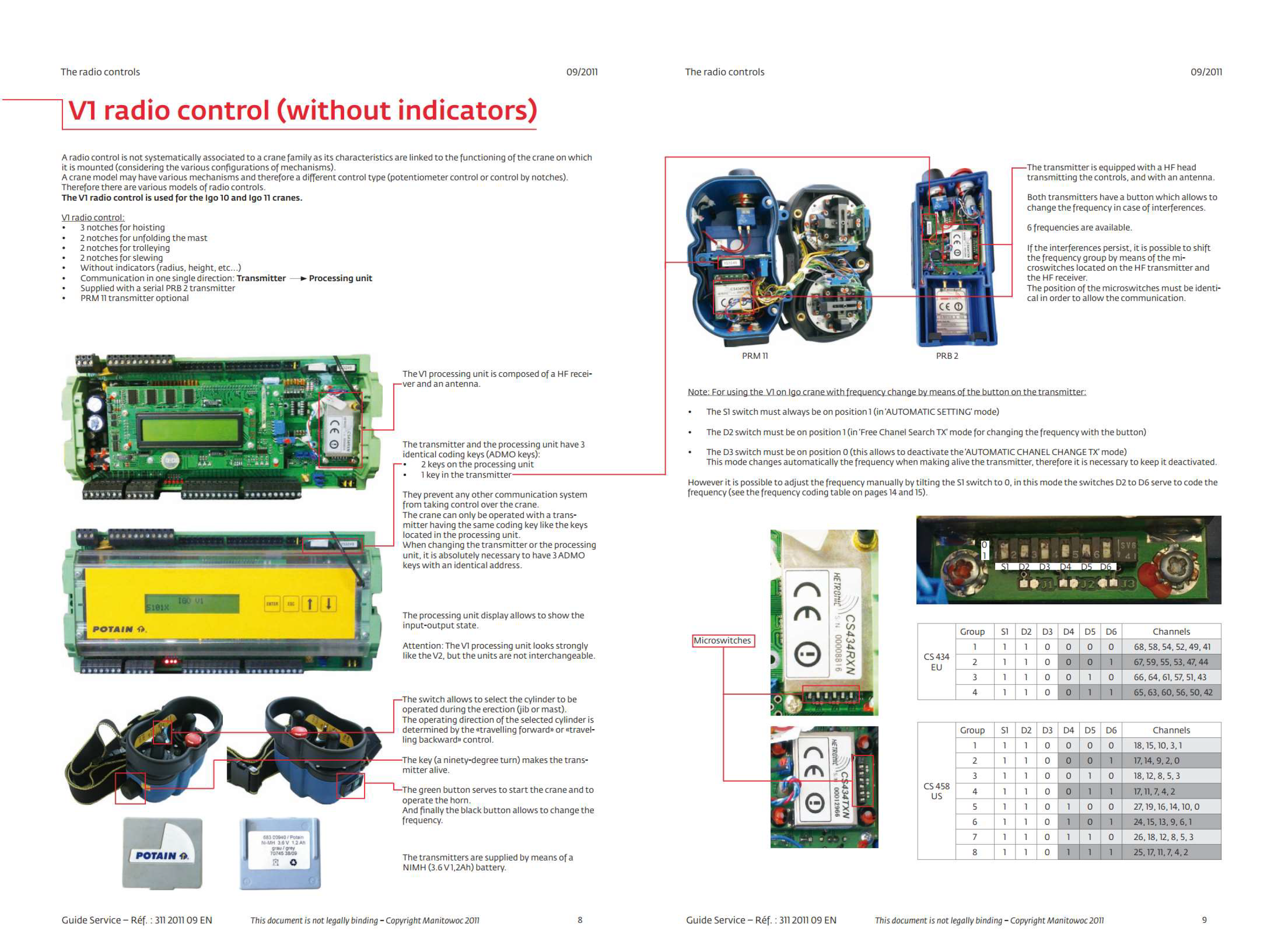
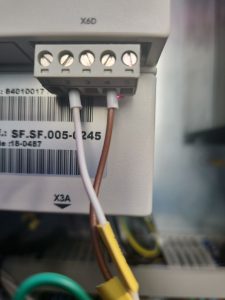
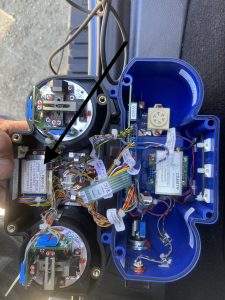
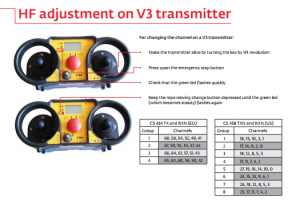
We tried lots of different things and eventually ended up changing the channel on the remote.  If you change the channel on the remote you must also change the dip switches on the high powered antenna.  See post about that.

Please note that it is possible to just switch groups and still be on the same channel which does nothing.  Changing the group does not necessarily mean that you change the channel.  For example channel 3 is both apart of group 1 and group 3.

To change the channel on the remote

Remote off

Estop down

Hold 2 part 4 part button next to screen Turn on remote
U230X Processor not powering on.

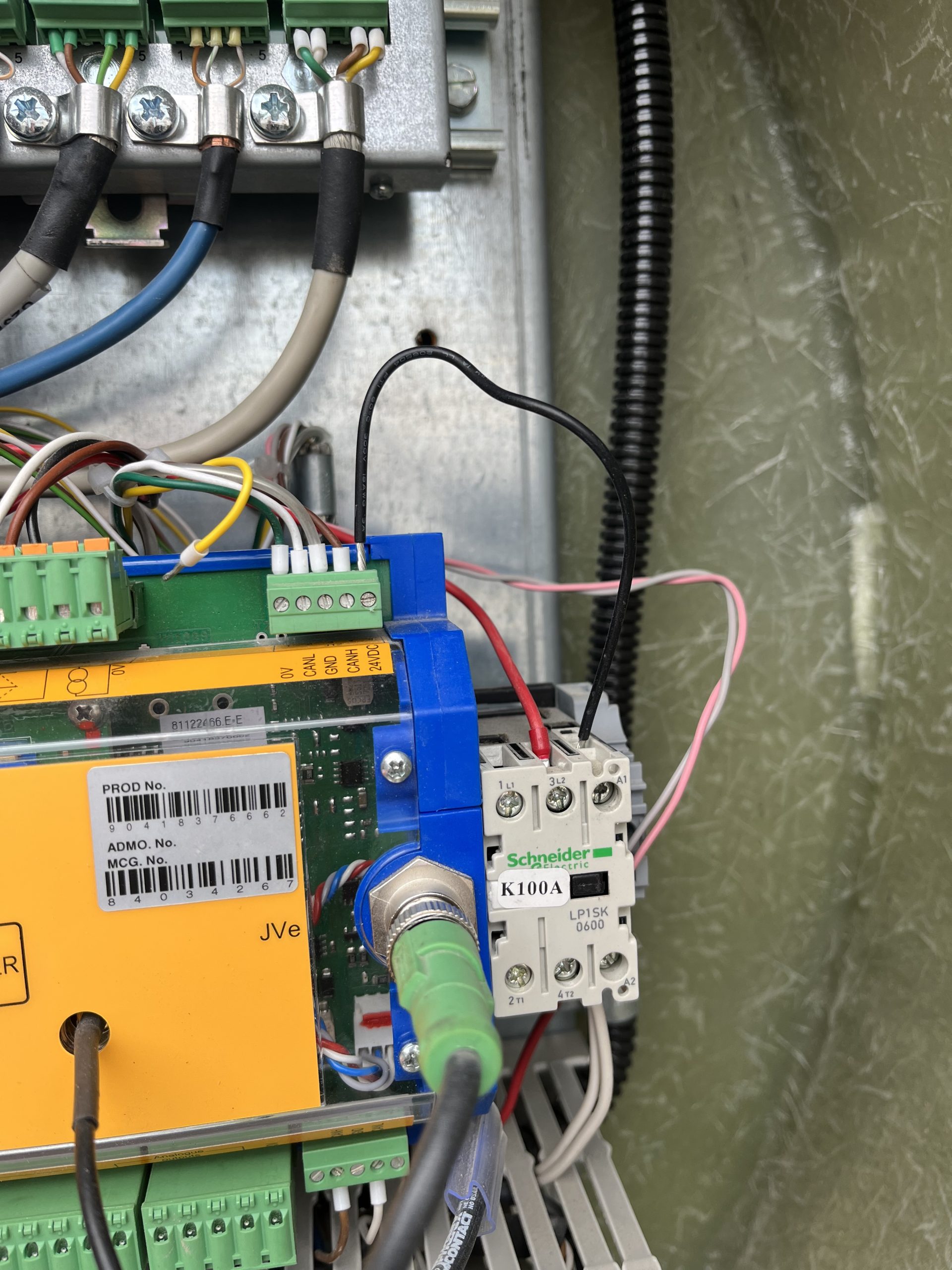
Customer complaint was that the crane would not connect to the remote. It was found the U230X Processor display wasn’t on, but the light shining on the processor was on. A voltage reading of 50V was taken at the J1/2 and continuity reading was taken at J1/1.  It was noted that K100A wasn’t energized. A voltage reading at J12/5 was taken and found a reading of 0Volts

The U230X has an internal fail safe that if there is something wrong with the start sequence it will not power on. In this instance all outgoing connections were removed until only the J1 Connection was left connected to the processor. The crane was powered on and the processor powered up showing information on the display. One by one each J connection was added until the processor would not power on. It was found that the J12 connection was the offending connection. The 24V connection at J12/5 was removed at the processor and and the crane processor powered on.  The crane was once again powered down and a continuity reading was taken from the J12/5 wire to each J12 connection. It was found that the J12/5 was making contact to the J12/1, J12/3, and chassis ground. The customer inspected the KK plug for a connection error and it was found the wiring to the KK plug was compromised internally. As a temporary fix to allow the operator to continue to work a jumper wire was ran from J12/5 to the A1 connection on the K100A. The crane operates as it should. Replacement of the KK plug wiring should be taken in this instance.


Potain MA 13 with V1 processor and remote


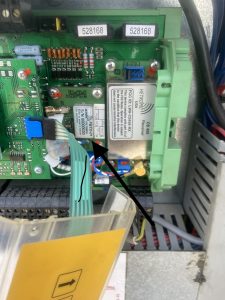
Had to verify where the jumpers were at on the processor and then match that up with the chart attached and change the dip switches in the remote to get it to work.

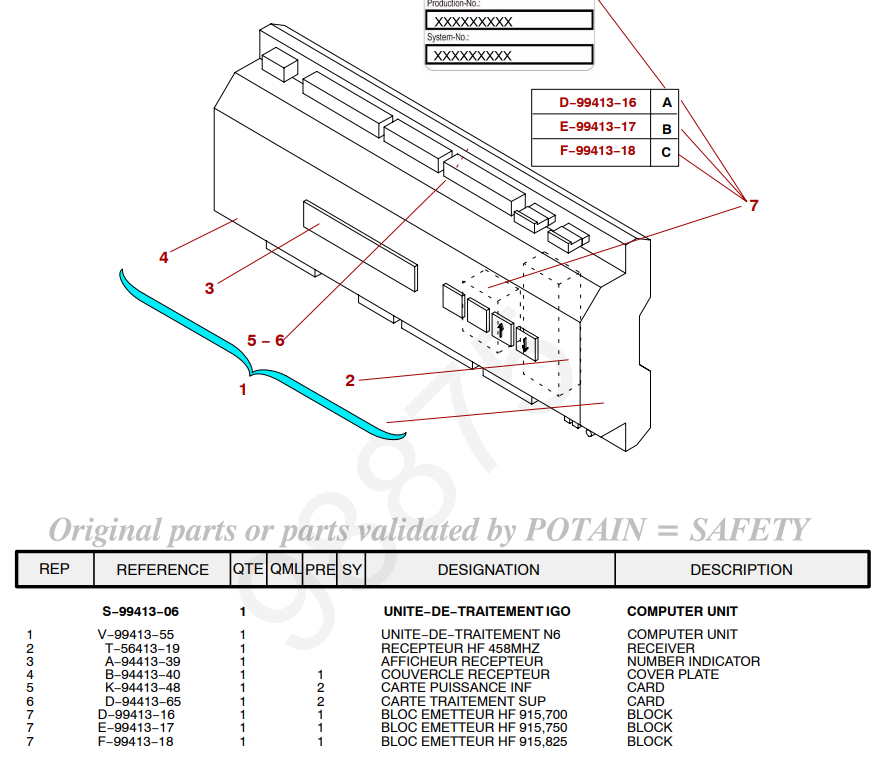
This will just get the remote to talk to the crane but doesn’t mean the display will work.  In this case they didn’t match and I had to order new card for processor which is easier to change out then the remote card.


11 dip jumpers to dipswitches


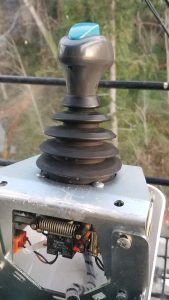
MRH deadman button not working

Operator complained the deadman button wasn’t releasing. 

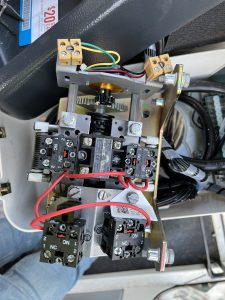
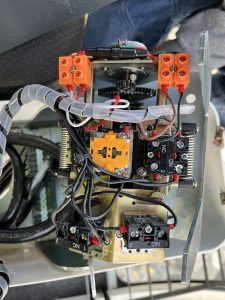
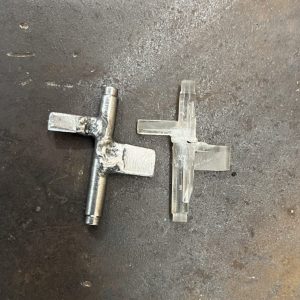
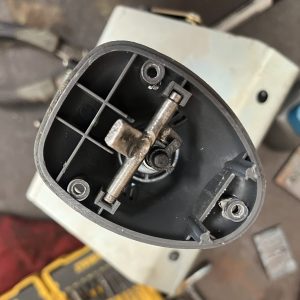
The bell crank that operates the deadman switch pin broke.  The temporary fix was to remove the top of the joystick and button and manually lift the deadman lock pin. When the technician was able to arrive on site a T85 joystick was used in place of the MRH joystick until replacement parts were made.  The Deadman contact is different from a T85 stick and so the contact switch needed to be swapped.

Potain has switched design on the replacement joysticks, so a new bell crank was made

and reinstalled into the old joystick and reinstalled into the crane.


Liebherr 81k.1 Radio Remote Receiver

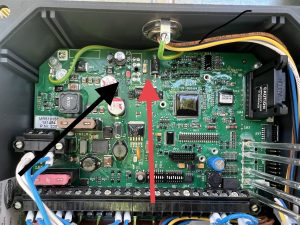
The cord for the antenna got cut and we could not get the receiver to send out a signal.  It has power but on the front of the receiver, there are LED lights.  We had power but not the second light down.  It is red until it hooks up with the remote then it goes green.  We called HBC and they had us remove the cover and check all the fuses there is a very small 1 AMP fuse shown in the picture.  It had a red led next to it which meant it was blown.  We soldered a jumper with a 5 amp fuse around it and it all worked.
It doesn’t matter what length the antenna cable is for connecting to the remote.