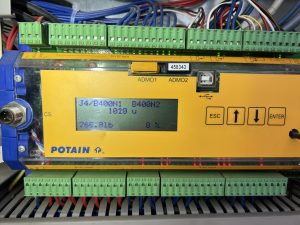
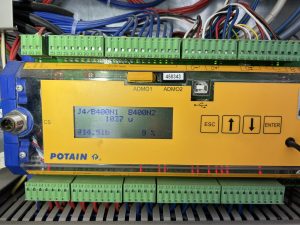
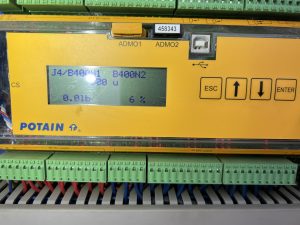
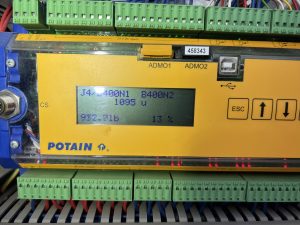
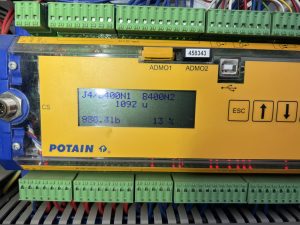
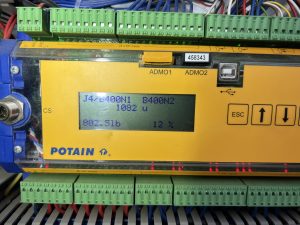
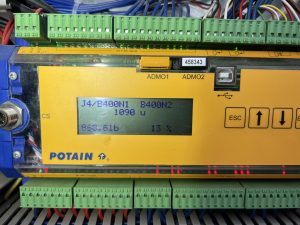
We were trouble shooting Remote and wanted to verify that Processor was looking for High powered anttenna
Go go screen 3221 and RSSI and it should read 0%


Here is a shot of the screen with the KK plug jumpered with dummy plug
RSSI reading 100%

Rocky Mountain Crane Service Logs
We were trouble shooting Remote and wanted to verify that Processor was looking for High powered anttenna
Go go screen 3221 and RSSI and it should read 0%
Here is a shot of the screen with the KK plug jumpered with dummy plug
RSSI reading 100%
Had a customer that was loosing remote function while on the job and had full battery and full signal. It would lose signal and go to the Potain Screen
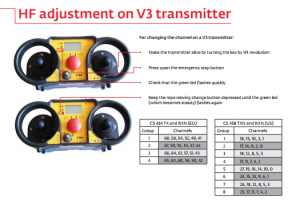
We tried lots of different things and eventually ended up changing the channel on the remote. If you change the channel on the remote you must also change the dip switches on the high powered antenna. See post about that.
Please note that it is possible to just switch groups and still be on the same channel which does nothing. Changing the group does not necessarily mean that you change the channel. For example channel 3 is both apart of group 1 and group 3.

To change the channel on the remote
Remote off
Estop down
Hold 2 part 4 part button next to screen Turn on remote
Pages from Manual for setting up Top Tracing 2
Pages for advanced zoning is in TOP TRACING SYSTEM and starts on page 56
Igo T85A has 12 teeth on pinion and 162 teeth on slew ring
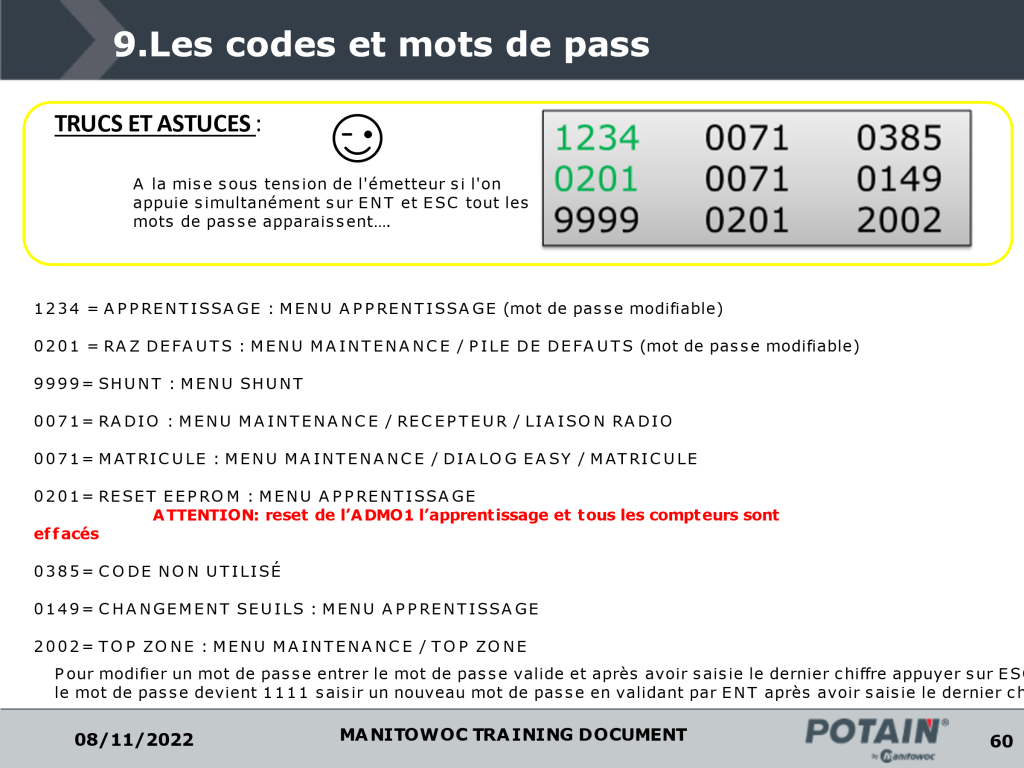
Translation under smiley face is
When the transmitter is turned on if you simultaneously press ENT and ESC all the passwords appear.
Had to verify where the jumpers were at on the processor and then match that up with the chart attached and change the dip switches in the remote to get it to work.
This will just get the remote to talk to the crane but doesn’t mean the display will work. In this case they didn’t match and I had to order new card for processor which is easier to change out then the remote card.
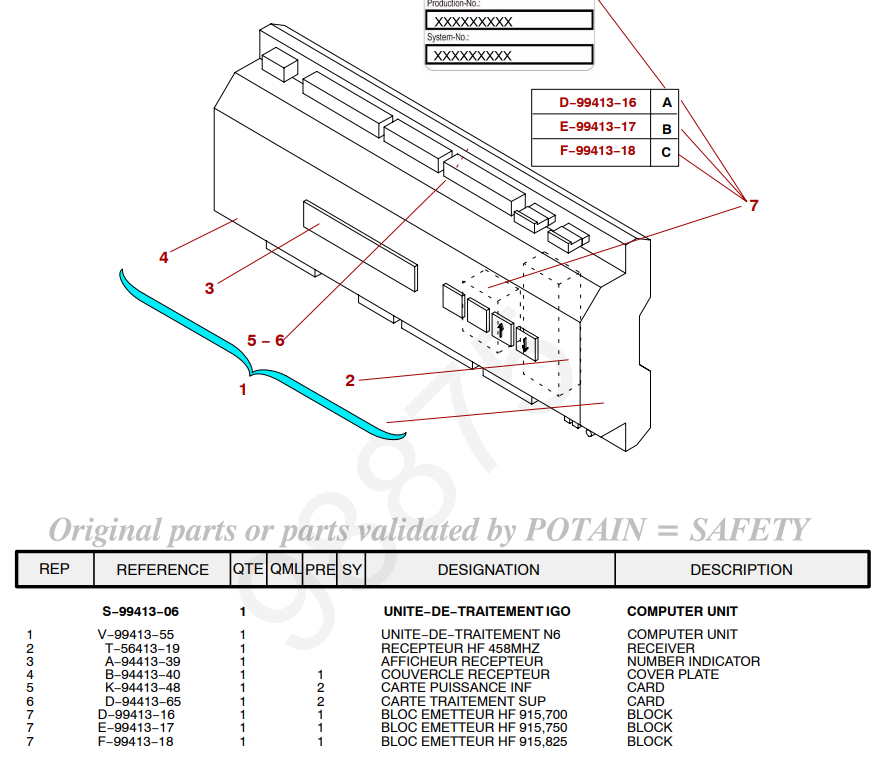
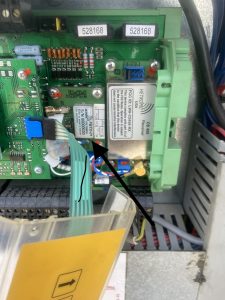
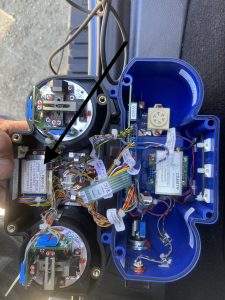
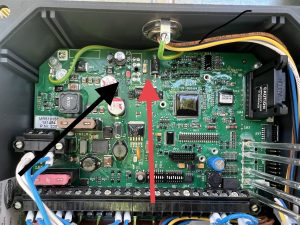
The cord for the antenna got cut and we could not get the receiver to send out a signal. It has power but on the front of the receiver, there are LED lights. We had power but not the second light down. It is red until it hooks up with the remote then it goes green. We called HBC and they had us remove the cover and check all the fuses there is a very small 1 AMP fuse shown in the picture. It had a red led next to it which meant it was blown. We soldered a jumper with a 5 amp fuse around it and it all worked.
It doesn’t matter what length the antenna cable is for connecting to the remote.
The operator called and said the crane would not swing or the trolley have him send a picture of the remote. IT had E 39 on it. Looked it up and found that it was in the forbidden zone. Had to turn key for zoning in the side panel to override the zoning and drive the crane out of the zone then switch the key back to make sure the zoning was back on. 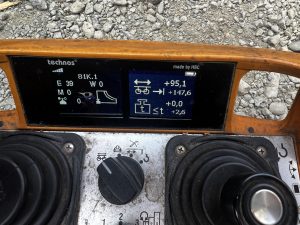
Info on Mast Maintenance and repair along with how to shim mast
For 90% take your known load and times by 1.1 and then match up to the load chart
For the others take the number less than 100 and times that by the load. For example for 110% take load times .9 and then match that number on the load chart.
Auto wind on hoist while raising and lowering mast not working .
Did trouble shooting with Potain and used these screens to determine if signal was getting to processor and then to drive.
Also screen will show you how much weight on load line while going up was consistent at around 800-1000 lbs going down was around 0-250
We found brake disc on hoist was hanging up just enough to cause the issue. Took apart Hoist brake and cleaned and anti seazed everything and all seems to be working now
Use videos for reference of what should be chaning on outputs when you start to raise the mast IMG_9049