What lengths to have slings for picking T85
Two of the chain slings need to be 5′ 10″ shorter
Longer slings go on the counterweight end of the crane
chain slings
slings

Rocky Mountain Crane Service Logs
What lengths to have slings for picking T85
Two of the chain slings need to be 5′ 10″ shorter
Longer slings go on the counterweight end of the crane
chain slings
slings
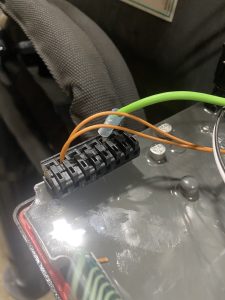
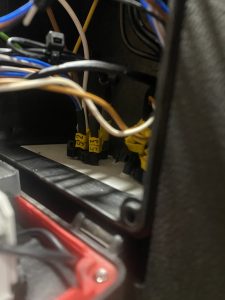
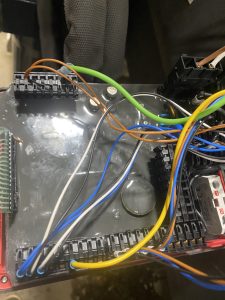
The lights for the outriggers were not working. Called IMT, we opened up the RCL 5300 which is the pad on the side with all the buttons, and found one of the wires 52, or 53, to be loose on the power side. Took out and reconnected and all worked fine.
See pictures and electrical DiagramUntitled Extract Pages
How to change oil on Hoist gear box
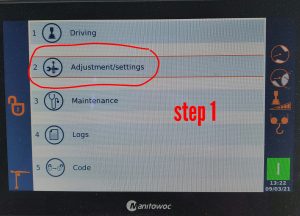
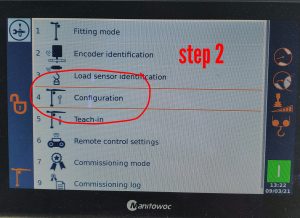
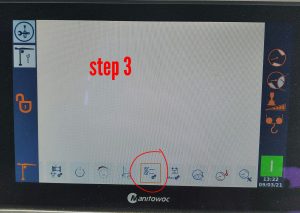
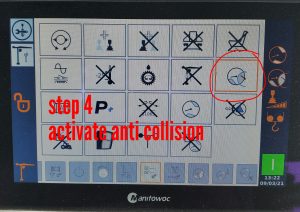
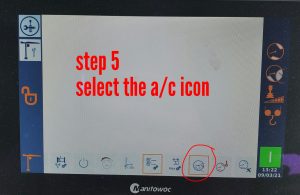
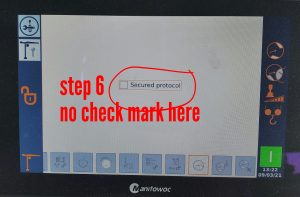
To activate the anti collision on the CCS.
TA20-276-B – CHECK THE TIGHTENING OF THE SLEWING MOTOR ENCODER AND PLAY BETWEEN TOOTH PLAY_EN
Getting faults on Swing drive. Assuming it was a bad encoder, seems that it was not. We are checking all the HUP 40/30 and entering into B2W
Hoisting problems
Hoist
Hoist Stop